

Amazon is Moving Toward AI-Driven Seller Support
After working closely with Amazon sellers for more than a decade, one thing has always been clear:
Sellers struggle not because of lack of effort—but because of lack of clarity and insights.
Amazon has finally addressed this by launching:
Seller Assistant (AI-powered) – Now Available in the UK
This is a major shift.
Instead of digging through multiple tabs, reports, and dashboards, you can now:
Ask Amazon directly and get instant, personalized answers.
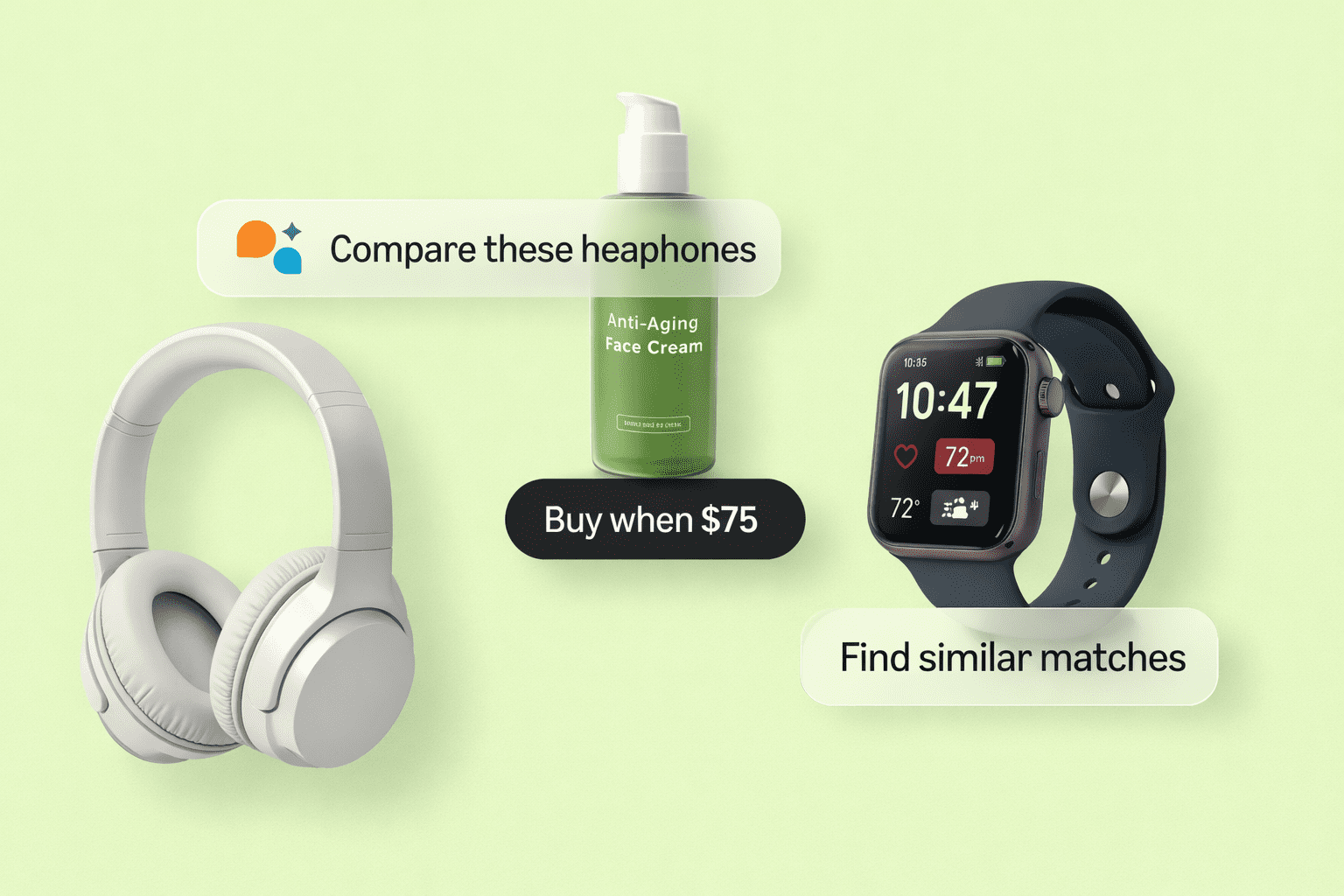
This is Amazon bringing AI + automation + decision-making into Seller Central.
What is Amazon Seller Assistant?
Seller Assistant is a conversational AI tool inside Seller Central that helps sellers:
✔ Get business insights
✔ Understand performance
✔ Manage inventory
✔ Fix listing issues
✔ Improve account health
Think of it as:
Your personal Amazon account manager (powered by AI)
Where to Find Seller Assistant in Seller Central
Once enabled (currently rolling out in the UK):
- Login to Seller Central
- Look for Seller Assistant / AI Assistant icon
- Open chat interface
- Start asking questions
Example:
- “How is my business performing?”
- “Which products should I restock?”
- “Why is my listing suppressed?”
How Seller Assistant Works
This is not a basic chatbot.
Amazon Seller Assistant uses:
1. Your Account Data
- Sales
- Orders
- Inventory
- Performance metrics
This makes responses personalized and accurate
2. Seller Central Knowledge Base
It pulls data from:
- Amazon policies
- Help documentation
- Internal tools
No need to search manually anymore
3. AI + Machine Learning
It understands:
- Your questions
- Your business context
- Recommended actions
This is where real value comes in.
Key Features of Seller Assistant
1. Business Performance Insights
Instead of checking multiple reports, you can ask:
“How is my business doing this month?”
It will show:
- Sales trends
- Growth/decline
- Key performance metrics
This connects strongly with your internal strategy:
https://ecomranker.com/amazon-seo-strategy/
Because performance is directly tied to:
- Listing quality
- Conversion rate
- SEO
2. Inventory Planning & Restock Recommendations
One of the biggest mistakes sellers make:
👉 Running out of stock or overstocking.
Seller Assistant helps by telling:
- Which products need restocking
- When to reorder
- Which SKUs are slow-moving
This reduces:
- Lost sales
- Storage fees
3. Listing Compliance & Fixes
Amazon frequently suppresses listings due to:
- Missing attributes
- Policy violations
- Incorrect data
Seller Assistant can:
✔ Identify issues
✔ Suggest fixes
✔ Guide you step-by-step
Internal linking:
https://ecomranker.com/amazon-listing-optimization-services/
4. Account Health Improvement
Account health is critical.
Seller Assistant helps you:
- Identify policy warnings
- Fix violations
- Improve metrics
This reduces risk of suspension.
5. Guided Actions & Recommendations
Instead of just showing data, it tells you:
“What to do next”
Examples:
- Optimize listings
- Restock products
- Fix suppressed listings
Why Seller Assistant is a Game Changer
From real experience:
Sellers waste hours navigating Seller Central.
Now:
✔ Faster decisions
✔ Better insights
✔ Less confusion
This aligns with Amazon’s bigger vision:
AI-driven seller ecosystem
Seller Assistant vs Traditional Seller Central Usage
| Traditional तरीका | Seller Assistant |
|---|---|
| Manual data analysis | AI-driven insights |
| Multiple tabs | Single chat interface |
| Slow decisions | Instant answers |
| Confusing reports | Simplified insights |
How to Use Seller Assistant Effectively (Step-by-Step)
Step 1: Ask Smart Questions
Instead of generic queries, ask:
✔ “Which product has low conversion rate?”
✔ “Why are my sales dropping?”
Step 2: Act on Insights
Don’t just read.
Take action.
Step 3: Combine With Listing Optimization
https://ecomranker.com/how-to-optimize-amazon-listings/
Because insights + optimization = growth
Step 4: Use for Daily Monitoring
Make it part of your routine.
Common Mistakes to Avoid
Treating it Like Google Search
It’s smarter—ask contextual questions.
Ignoring Recommendations
Insights are useless without action.
Not Cross-Checking Data
Always verify before major decisions.
Not Optimizing Listings
https://ecomranker.com/amazon-a-plus-content-guide/
Because insights alone won’t increase sales—optimization will.
How Seller Assistant Helps SEO & PPC
Better insights → Better decisions → Better results
SEO Impact:
- Better listings
- Higher conversion
PPC Impact:
- Lower ACoS
- Better targeting
Advanced Strategy
Here’s how experts will use Seller Assistant:
Framework:
- Get insights from AI
- Identify weak areas
- Optimize listings
- Run PPC campaigns
- Test & scale
Future of Amazon Selling
Amazon is moving toward:
- AI automation
- Predictive insights
- Smart decision-making
Seller Assistant is just the beginning.
Final Thoughts
From 10+ years experience:
This is one of the most powerful tools Amazon has introduced for sellers.
But remember:
Tools don’t grow businesses—actions do.
Use Seller Assistant to:
- Save time
- Make better decisions
- Scale faster
FAQs
1. What is Seller Assistant?
AI tool inside Seller Central for insights.
2. Is it available globally?
Currently launched in the UK (rolling out).
3. Is it free?
Yes.
4. Can it replace tools?
Partially—but not fully.
5. Does it help SEO?
Yes indirectly.
6. Can beginners use it?
Yes.
7. Is it accurate?
Mostly—but verify data.
8. Does it help inventory?
Yes.
9. Can it fix listings?
It suggests fixes.
10. Is it future of Amazon?
Yes—AI-driven selling.