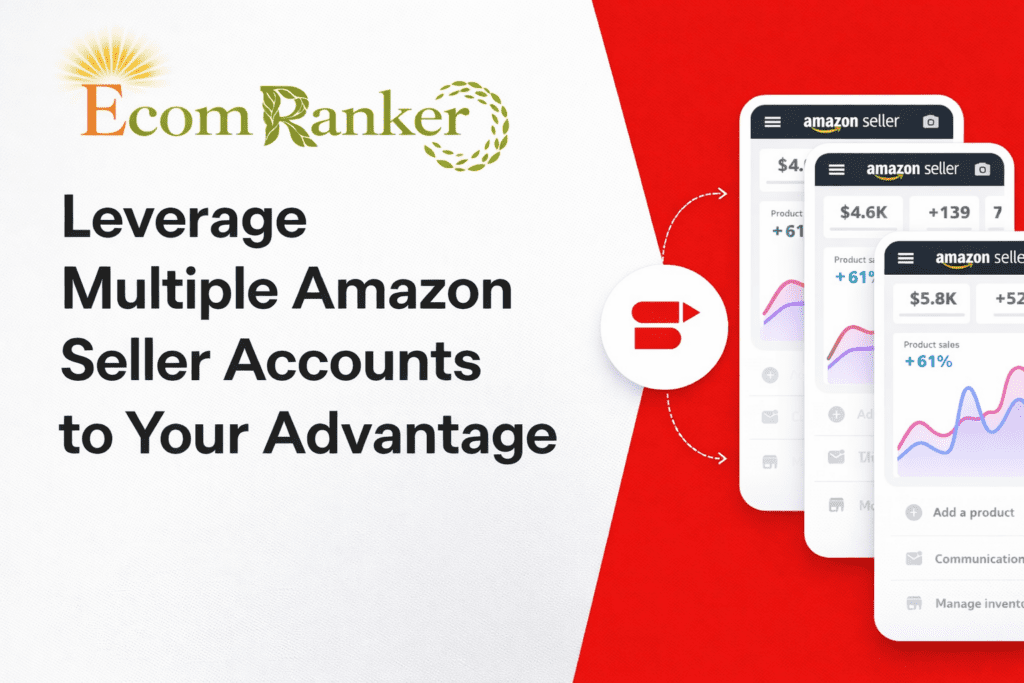
Managing a single Amazon seller account is already complex—but scaling with multiple Amazon seller accounts requires a completely different level of strategy, compliance, and operational discipline.
In 2026, with platforms like TikTok and Instagram expected to drive over 10% of global eCommerce traffic, competition is no longer just on Amazon—it’s everywhere. Smart sellers are building multi-account strategies to expand, diversify, and reduce business risk.
At Ecom Ranker, we’ve worked with brands managing multiple accounts across regions, and one thing is clear:
👉 Multiple accounts don’t increase risk—mismanagement does.
In this guide, you’ll learn:
- Amazon’s official policy
- Safe account setup strategies
- Compliance frameworks
- Tools and workflows for scaling
Official Policy on Multiple Amazon Accounts
Amazon’s policy is strict but not restrictive.
👉 Sellers are typically allowed only one Seller Central account
👉 However, exceptions exist for legitimate business reasons
To operate multiple Amazon seller accounts, you must:
- Get prior approval from Amazon
- Maintain separate bank accounts & tax details
- Ensure clear business justification
👉 If you’re unsure about compliance, explore our Amazon account management services
Expert Insight:
Amazon’s detection systems are AI-driven and extremely advanced. Even minor overlaps (IP, device, payment method) can trigger account linkage.
Legitimate Reasons to Operate Multiple Amazon Accounts
Amazon allows multiple accounts only when there’s a clear operational need, such as:
- Managing separate brands or product categories
- Expanding into different countries/marketplaces
- Maintaining clean accounting and tax structures
👉 For scaling strategies, read our Amazon growth strategy guide
Advanced Perspective:
Top sellers structure accounts under different legal entities or holding companies to ensure compliance and scalability.
2026 Updates for Multiple Amazon Accounts
Amazon continues to tighten compliance in 2026.
Key updates include:
- Faster approval workflows
- Stronger AI-based account linking detection
- Increased scrutiny on related accounts
👉 Stay compliant with our Amazon consulting services
What this means for you:
You need clean separation + documented business logic—not shortcuts.
Why Create and Manage Multiple Amazon Seller Accounts?
Brand Separation, Diversification, and Risk Control
Managing multiple accounts allows you to:
- Build distinct brand identities
- Target different customer segments
- Reduce dependency on a single account
👉 Improve brand performance with Amazon SEO & listing optimization
Real Strategy:
Premium and budget brands should never exist in the same account—it kills positioning.
Global Expansion Strategy
Using multiple accounts helps you:
- Enter new Amazon marketplaces
- Localize pricing and logistics
- Stay compliant with regional laws
👉 Learn more in our Amazon marketplace expansion services
Expert Tip:
Use region-specific accounts + FBA strategy to maximize conversions.
Legal Structure & Compliance Setup
Each account must have:
- Separate legal entity
- Unique bank account
- Independent tax registration
👉 Set this up correctly with Amazon business consulting
Critical Insight:
Improper structure = high suspension risk + financial complications
Amazon Account Approval: Step-by-Step Process
Eligibility & Application
To open a second account:
- Show valid business reason
- Prepare separate credentials
- Apply BEFORE account creation
👉 Learn setup best practices in Amazon account setup guide
Required Documentation
You’ll need:
- Business registration documents
- Separate bank accounts & tax IDs
- Unique email & phone
Golden Rule:
👉 Nothing should overlap between accounts
Managing Multiple Amazon Accounts Safely
Avoiding Cross-Linking (Critical)
Amazon tracks:
- IP addresses
- Devices
- Payment methods
To stay safe:
- Use separate browser profiles (Multilogin)
- Use dedicated IPs/proxies
- Never share payment details
👉 Explore our Amazon compliance & risk management solutions
Preventing Account Suspension (2026 Best Practices)
- Always get approval
- Maintain strict separation
- Monitor account health
- Stay updated with policies
👉 Work with Ecom Ranker’s Amazon experts
Switch Accounts Feature
Amazon provides:
- Switch account functionality
- Household separation tools
These improve workflow but do NOT replace compliance requirements
Best Tools to Manage Multiple Amazon Accounts
Top Tools
- Multilogin (browser isolation)
- Shift (multi-dashboard management)
- Sellerboard (analytics + automation)
👉 Discover advanced tools in our Amazon automation solutions
Automation & Workflow Optimization
Automation helps:
- Track inventory
- Manage orders
- Analyze performance
👉 Improve efficiency with Amazon PPC & analytics services
Team Delegation & SOPs
Role-Based Access
Amazon allows:
- Controlled team permissions
- Secure access management
SOPs & Monitoring
Create systems for:
- Order processing
- Customer support
- Performance tracking
👉 Learn more in Amazon operations optimization guide
Consolidating or Selling Amazon Accounts
When to Consolidate?
- Business sale
- Brand restructuring
- Operational simplification
Legal Transfer Steps
- Update tax & bank details
- Submit ownership proof
- Complete Amazon verification
👉 Get expert help via Amazon consulting services
Avoid Amazon Account Suspension Risks
High-Risk Practices
- Same IP/device usage
- Shared payment methods
- Duplicate listings
- Undisclosed linked accounts
2026 Compliance Checklist
- Get approval first
- Separate all business data
- Use unique devices/IPs
- Monitor account health
- Train your team
👉 Protect your business with Ecom Ranker’s compliance framework
Conclusion
Managing multiple Amazon seller accounts is a powerful growth strategy—but only when executed correctly.
The winning formula in 2026:
- Compliance-first approach
- Strong business structure
- Smart automation
- Data-driven decision making
At Ecom Ranker, we help brands:
- Scale across multiple accounts
- Stay compliant
- Maximize profitability
👉 Explore our full Amazon growth services
CTA
Want to Scale with Multiple Amazon Accounts Safely?
👉 Book your 1:1 strategy call with Ecom Ranker
FAQs
How do I manage multiple Amazon accounts securely?
Use separate IPs, devices, and business details while following Amazon policies.
Can I create two Amazon seller accounts?
Yes, but only with Amazon approval and valid business reasons.
What are the benefits of multiple Amazon accounts?
Better brand separation, risk management, and global expansion opportunities.