
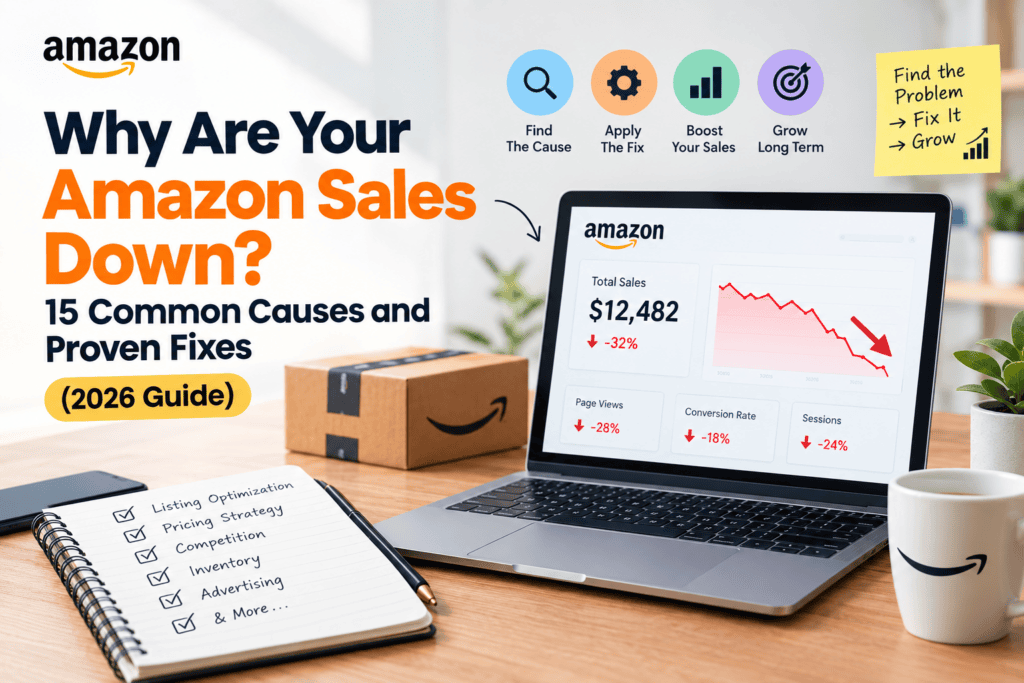
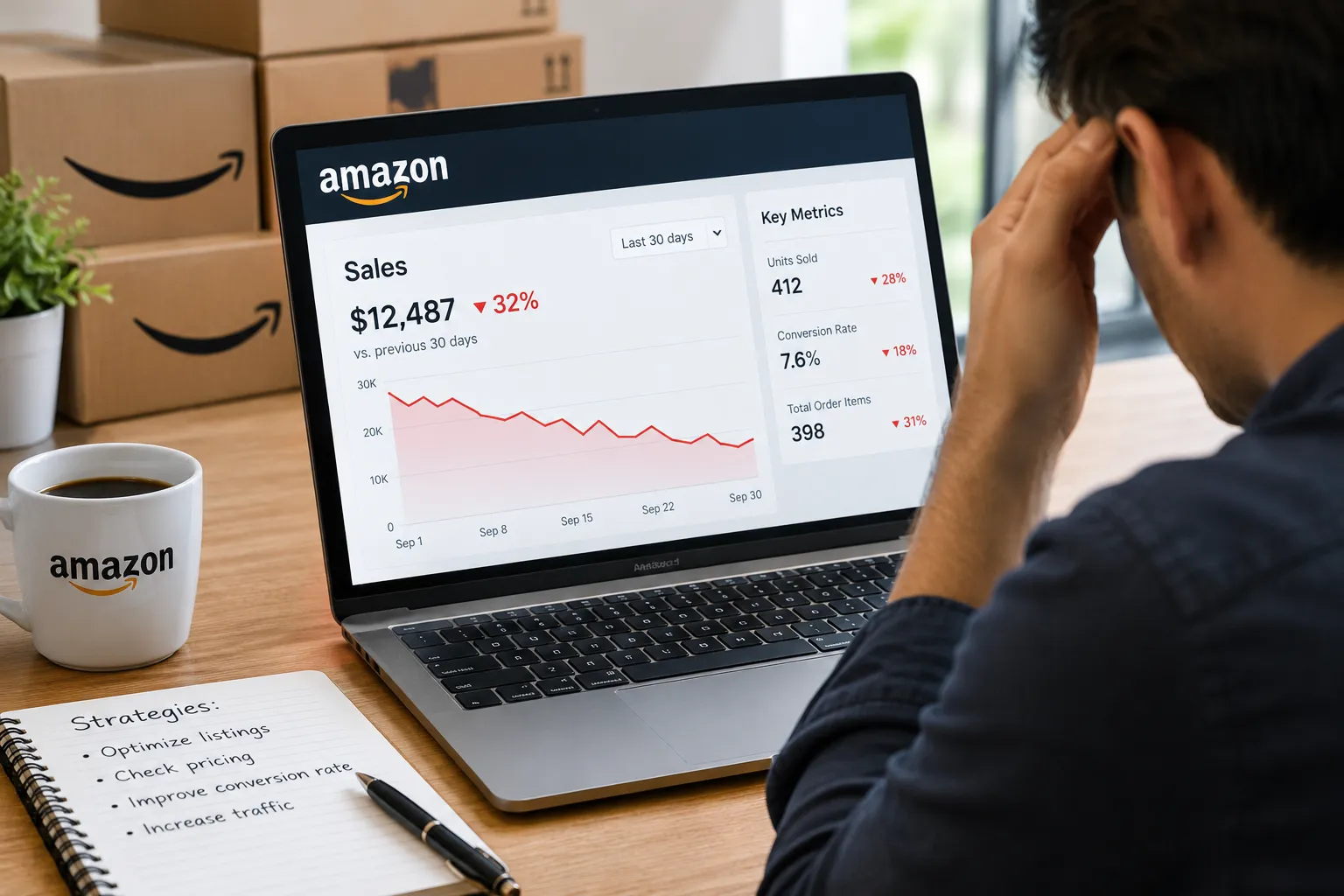
You open Seller Central on Monday morning, check the dashboard, and your stomach drops. Orders are down, revenue is down, and the line on your sales chart is heading in a direction you really don’t like. If you are asking yourself, “why are my Amazon sales down?”, you are in good company. Nearly every seller, from a one-product startup to a seven-figure brand, will face a sudden drop in Amazon sales at some point.
The good news is that a sales decline on Amazon is rarely random. Behind almost every dip there is a specific cause, and most of those causes can be found in your own data. The bad news is that sellers often react by guessing: they rewrite the title, slash the price, double the ad budget, and hope something sticks. That approach burns cash and, worse, can hide the real problem.
This guide gives you a better way. At EcomRanker, we work with Amazon sellers every day on advertising, listings, inventory and account health, and the same patterns show up again and again. Below, you will learn how to diagnose whether you have a traffic problem or a conversion problem, the 15 most common reasons Amazon sales go down, how to fix each one, and a practical 30-day recovery plan you can start today.
Why Are Amazon Sales Down?
Amazon sales usually go down for one of two reasons: fewer shoppers are seeing your product (a traffic or visibility problem), or shoppers see it but do not buy (a conversion problem). The most common triggers are a lost Buy Box, a suppressed listing, stockouts, falling keyword rankings, broken PPC campaigns, new negative reviews, aggressive competitor pricing, account health warnings, seasonal demand shifts, and changes in Amazon’s algorithm or fees.
To fix a sudden drop in sales, pinpoint the exact date it started, compare your sessions and conversion rate before and after, and then work through the causes in the order shown in this article.
Step 1: Pinpoint When Your Amazon Sales Started Dropping
Before you change anything, find the date. A sales decline that began on a specific day points to a specific event: a price change, a listing edit, a stockout, a policy notification or an algorithm update. A slow slide over several weeks usually points to creeping problems such as review erosion, rising competition or fading ad performance.
Open Seller Central and go to Reports > Business Reports > Detail Page Sales and Traffic. Look at your data by day for at least 60 to 90 days, and compare it with the same period last year so seasonality does not fool you. Note the date when units ordered, sessions and conversion all began to move.
Then write down everything you changed in the 7 to 10 days before that date. Include price changes, new images, title or bullet edits, coupons that ended, ad budget changes, new variations and inventory shipments. Many “mystery” sales drops turn out to be a self-inflicted edit that nobody tracked.
Step 2: Is It a Traffic Problem or a Conversion Problem?
This single question saves more time than any other. Your Business Report gives you two numbers that tell you where to look.
- Sessions show how many visits your product pages received. This is your traffic.
- Unit Session Percentage shows what share of those visits turned into orders. This is your conversion rate.
Compare the period before the drop with the period after it, and use this table to decide where to focus.
| What You See | Sessions | Conversion | Likely Diagnosis | Where to Look First |
| Visibility loss | Down | Stable | Traffic problem | Keyword rankings, indexing, ad impressions, suppression |
| Offer or listing issue | Stable | Down | Conversion problem | Buy Box, price, reviews, images, stock status |
| Compound decline | Down | Down | Both | Fix visibility first, then conversion |
| Both stable, sales still down | Stable | Stable | Possible data or seasonal issue | Check ASP, bundles, variation mix and seasonality |
If sessions fell but conversion held steady, your product is still persuasive, so fewer people are finding it. Causes 1 to 5 and 11 to 13 below are the usual suspects. If sessions held steady but conversion fell, shoppers are landing on your page and walking away. Focus on causes 6 to 9 and 14 first. When both drop at once, start with traffic, because you cannot convert visitors who never arrive.
The 15 Most Common Reasons Amazon Sales Go Down
1. You Lost the Buy Box
The Buy Box is the “Add to Cart” button on the right side of a product page, and it captures the large majority of Amazon sales. If you lose it, even for a day or two, your sales can fall off a cliff while your traffic stays exactly the same. That pattern, steady sessions with a collapsing conversion rate, is the classic signature of a lost Buy Box.
Common reasons sellers lose the Buy Box include a competitor undercutting your landed price, slower or less reliable shipping, weak seller metrics, running out of stock, or a new seller or reseller joining your listing. Amazon weighs price, fulfillment method, delivery speed, seller performance and inventory availability when choosing the winner.
How to fix it:
- Check your Buy Box percentage in the Business Report and see which ASINs are affected.
- Compare your total price (item plus shipping) with every other offer on the listing.
- Use FBA or a strong Seller Fulfilled Prime setup so you qualify for fast, reliable delivery.
- Protect your seller metrics, which we cover in cause 9.
- If unauthorized sellers are on your brand’s listing, enroll in Brand Registry and report them. Our guide to winning and keeping the Amazon Buy Box covers this step by step.
2. Your Listing Was Suppressed or Deactivated
A suppressed listing is still live in your catalog but no longer appears in search results. An inactive listing cannot be purchased at all. Either way, your traffic can disappear overnight, and many sellers do not notice until the revenue is already gone.
Listings get suppressed for missing required attributes, images that break Amazon’s rules, inaccurate or prohibited claims, a price that is far above or below the reference price, missing safety or compliance documents, and category approval issues.
How to fix it:
- Open Inventory > Manage All Inventory and filter by “Search Suppressed” and “Inactive.”
- Visit the Account Health > Listing Issues area, or the Fix Your Products tool, and read the exact reason.
- Correct the image, attribute, price or compliance document that triggered the problem, and resubmit.
- Check your email and the Seller Central notifications for policy warnings tied to those ASINs.
Make this check a weekly habit. A suppressed best seller can cost you thousands of dollars in a few days. If you want a second set of eyes on a stubborn issue, our Amazon account management team monitors suppression alerts daily so nothing sits broken.
3. You Ran Out of Stock or Your Inventory Is Running Low
Few things damage Amazon performance as quickly as a stockout. When your inventory hits zero, your listing stops selling, your ads waste or stop spending, and your organic rank begins to slip because Amazon’s algorithm rewards products that sell consistently. Even after you restock, it can take weeks to rebuild the rank you had.
Low inventory can hurt you before a full stockout. When stock is thin, Amazon may limit your visibility, and your delivery estimates can stretch. FBA restock limits and a poor Inventory Performance Index score can also stop you from sending in enough units to meet demand.
How to fix it:
- Forecast demand using sales velocity, planned promotions and lead times from your supplier.
- Keep a safety buffer of stock, especially ahead of peak seasons.
- Review the Restock Inventory and Inventory Performance dashboards weekly.
- Remove excess and aged inventory so storage limits do not block new shipments.
- If a stockout is unavoidable, slow or pause ad spend on that ASIN so you are not paying for clicks that cannot convert.
Our FBA management service helps brands build forecasts and replenishment schedules that keep best sellers in stock.
4. Your Keyword Rankings Dropped
Most Amazon shoppers start with a search. If your product slides from page one to page three for your main keywords, your impressions and clicks dry up, and sales follow. Ranking drops happen because competitors gained sales velocity, your conversion rate fell, you stopped advertising, or the keywords are no longer indexed on your listing.
Indexing deserves special attention. After a title or backend edit, a keyword you were previously ranking for might quietly stop indexing, which means Amazon no longer associates your product with that search term.
How to fix it:
- Track your top 10 to 20 keywords weekly using a rank tracker.
- Check indexing by searching your ASIN together with a target keyword. If your product does not show up, the term is not indexed.
- Make sure your most valuable keywords sit naturally in the title, bullets and backend search terms without stuffing.
- Rebuild momentum with targeted PPC on the keywords you lost.
Keyword work is the foundation of visibility. Read our Amazon keyword research guide or have our Amazon SEO specialists audit your indexing and ranking gaps.
5. Your Amazon PPC Campaigns Slowed Down or Stopped Working
For most brands, Amazon Sponsored Products and Sponsored Brands ads drive a major share of total sales, both directly and by lifting organic rank. If campaigns pause, run out of budget early in the day, lose bids to competitors or target the wrong keywords, your sales can drop within days.
Typical advertising problems include daily budgets that run dry by lunchtime, bids that are too low to win placements, campaigns paused after an inventory issue and never restarted, wasted spend on irrelevant search terms, and no negative keywords. Sellers also fall into the trap of cutting ad spend to protect profit, which can shrink organic sales more than it saves.
How to fix it:
- Review campaign status, budgets and bids for your top ASINs.
- Check impression share and top-of-search placement for your best keywords.
- Add negative keywords to cut wasted clicks, and move winning search terms into exact match campaigns.
- Look at your total advertising cost of sale (TACoS), not just ACoS, to understand how ads support overall growth.
- Test Sponsored Brand and Sponsored Display campaigns to defend your brand and win back lost shoppers.
If your clicks are rolling in but sales are not, the problem is usually the listing rather than the ads. Our Amazon PPC management service audits both sides so you stop paying for traffic that does not buy.
6. Negative Reviews or a Falling Star Rating
Shoppers trust reviews more than almost anything else on the page. A drop from 4.5 stars to 4.0 or below can noticeably lower your click-through rate and conversion rate, and a single wave of 1-star reviews can undo months of work. Reviews also feed Amazon’s ranking signals, so poor feedback hurts both traffic and conversion.
Review problems often have a cause you can fix: a product defect, a packaging change, a batch from a new manufacturer, misleading listing content that sets the wrong expectations, or a competitor attack.
How to fix it:
- Read every recent 1 to 3 star review and look for patterns. If three people mention the same defect, fix the product, not just the page.
- Update the listing so it describes the product honestly and answers the objections reviewers raise.
- Use Amazon’s Request a Review button on eligible orders, and use inserts that thank customers without breaking Amazon’s rules.
- Report reviews that violate Amazon’s community guidelines, such as those that talk about shipping or seller service on a product page, or that appear fake.
- Respond to customer issues quickly through Buyer-Seller Messaging when appropriate.
Never buy reviews or offer incentives for positive feedback. Amazon enforces this strictly and the penalty can be a suspended account, which is far worse than a dip in sales.
7. Competitors Lowered Prices or Launched Aggressive Promotions
Amazon is a price-comparison engine. If a competitor drops their price by 10 to 15 percent, runs a Lightning Deal, or stacks a coupon on top of a discount, shoppers who used to click your product may switch without a second thought. You might see sessions hold steady but conversion fall, or sessions fall as your product loses ranking to a cheaper rival.
How to fix it:
- Monitor your top five competitors weekly for price, coupons, deals and new variations.
- Do not race to the bottom automatically. First ask whether your product can win on value, such as better quality, a bundle, a larger quantity or a stronger brand story.
- Use targeted coupons or Subscribe & Save to protect margin while staying attractive.
- Strengthen your listing so the price difference feels justified, using stronger images, an A+ Content comparison chart and clear proof points.
8. A Weak or Outdated Product Listing
Your listing is your salesperson. If the main image looks dated, the title is confusing, the bullets are generic or the images do not answer common questions, shoppers will click away. This often shows up as a high click-through rate with a low conversion rate, or as a low click-through rate when your main image and price are not compelling next to competitors.
What counts as “good” also keeps rising. Competitors upgrade their photography, add lifestyle images, infographics and video, and publish rich A+ Content. A listing that looked excellent two years ago can now look average.
How to fix it:
- Audit your main image first. It should be clean, high resolution and instantly recognizable, and it decides whether anyone clicks.
- Add 6 to 9 images, including lifestyle, scale, feature infographics, comparison and “what’s in the box” shots.
- Rewrite bullets around customer benefits and objections, not just features.
- Add or refresh A+ Content, plus Brand Story if you are brand registered.
- Add a product video if your category supports it.
- Test one change at a time with Amazon’s Manage Your Experiments tool, available to brand-registered sellers, so you know what helped.
Our team offers full Amazon listing optimization, A+ Content design and product photography to turn browsers into buyers.
9. Account Health Problems and Poor Seller Metrics
Amazon watches your account closely, and weak performance metrics can reduce your visibility, cost you the Buy Box or even put your selling privileges at risk. Check the Account Health dashboard often and treat any warning as urgent.
Key targets to keep in mind include an Order Defect Rate below 1 percent, a pre-fulfillment cancel rate below 2.5 percent, and a late shipment rate below 4 percent for merchant-fulfilled orders. Valid tracking rate and on-time delivery also matter. Policy violations, intellectual property complaints, safety complaints and “Product Authenticity” claims can all deactivate listings.
How to fix it:
- Review the Account Health dashboard weekly and respond to every notification before the deadline.
- Write a clear plan of action for any violation, covering the root cause, what you have fixed and what you will do to prevent it.
- Keep documents such as invoices, authorization letters and certificates ready to upload.
- If you are suspended, act quickly and professionally. Our Amazon account reinstatement experts have helped sellers write appeals that address Amazon’s concerns directly.
10. Seasonality and Post-Event Demand Dips
Not every drop is a problem. Many categories have natural seasons, and demand often cools after Prime Day, Black Friday, Cyber Monday or the holiday season. Sellers who ran deep discounts or pulled sales forward during a big event frequently see a hangover afterward, because customers already bought what they needed.
How to fix it:
- Compare your performance with the same weeks last year, and check search volume trends with tools like Google Trends or Amazon Brand Analytics.
- Plan inventory and ad budgets around your category’s calendar so a quiet season does not catch you with too much stock.
- Build off-season demand through new use cases, bundles, new variations and fresh keywords.
- Avoid cutting ad spend sharply right after a peak, since rank can fall just when you need to hold it.
11. Amazon Algorithm Changes and Search Experience Updates
Amazon continually adjusts how it ranks products and how shoppers see results. Sellers regularly report shifts in how organic rank, sponsored placements, AI-assisted shopping features and recommendation widgets behave. These changes can affect certain categories more than others, and you cannot control them.
What you can control is how well your listing and offer match what the algorithm rewards: strong sales velocity, high conversion, relevant keywords, good reviews, fast delivery and healthy inventory. Sellers who keep those fundamentals in shape tend to recover from algorithm shifts faster than those relying on a single trick.
How to fix it:
- Check seller forums, Amazon’s seller news and trusted industry sources to see whether others in your category are affected.
- Confirm that your own metrics did not change at the same time, so you do not blame the algorithm for a problem you caused.
- Refresh your content to answer the natural-language questions shoppers now ask, including features, sizes, materials and use cases.
- Diversify your traffic sources so one shift does not hurt you as badly.
12. Tariffs, Fee Changes and Other Market Shifts
External forces can reduce sales even when your listing is perfect. Tariffs and higher landed costs can force price increases that hurt conversion. Changes to FBA fees, storage fees or referral fees can push sellers to change prices or fulfillment methods. Shifts in consumer spending also change what people buy and how much they spend.
How to fix it:
- Recalculate your profit per unit regularly with an FBA revenue calculator so you know your true margin.
- Explore alternative suppliers, packaging changes or product size optimization that reduces fees.
- Communicate value clearly when you raise prices, with images and copy that justify the difference.
- Consider launching bundles or multipacks that lift average order value.
13. A Coupon, Deal or Promotion Ended
Sometimes the drop is simply the end of a boost. If a coupon, Prime Exclusive Discount or Deal expired, your conversion rate and sales velocity might fall back to their normal level. If you ran a large promotion that built a spike in sales, your rank may have risen artificially, then slipped when the promotion ended.
How to fix it:
- Look at your promotion calendar next to your sales chart.
- Use promotions as a planned cycle instead of one-off bursts, so your sales velocity stays more consistent.
- Test smaller, ongoing offers such as a clipped coupon, which adds a visible badge and can improve click-through rate.
14. Hijackers, Counterfeits and Listing Tampering
If other sellers are selling on your listing, or someone has edited your detail page, you can lose both the Buy Box and customer trust. Hijackers often sell lower-quality or counterfeit versions, which then produce negative reviews on your product. Unauthorized changes to titles, images or variations can also quietly reduce your conversion.
How to fix it:
- Enroll in Amazon Brand Registry to gain control over your listings and access reporting tools.
- Monitor your offers and listing content daily.
- Use the Report a Violation tool for infringement and counterfeits, and send test buys when needed.
- Document your brand with trademarks, authorization letters and clear product packaging so complaints are easier to prove.
Our Brand Registry support helps brands enroll, protect their listings and deal with unauthorized sellers.
15. Slow Delivery, Lost Prime Badge or Fulfillment Problems
Shoppers expect fast, free delivery. If your Prime badge disappears, your delivery promise gets longer, or your product becomes ineligible for certain fast delivery options, conversion can drop even if everything else looks perfect. Sellers using merchant fulfillment are especially exposed when late shipments pile up.
Fulfillment trouble also includes damaged inbound shipments, stranded inventory, listing and label errors, and FBA receiving delays that keep stock out of reach for weeks.
How to fix it:
- Check whether your offers still show the Prime badge and the fastest delivery estimate in your target regions.
- Resolve stranded inventory and receiving discrepancies in the Fix Stranded Inventory and Shipment Reconciliation reports.
- Split large shipments across fulfillment centers only when needed, and track inbound status closely.
- If you fulfill yourself, review carrier performance and consider switching to FBA for your best sellers.
Don’t Forget: You May Be Relying Too Heavily on Amazon
An honest conclusion for many sellers is that the real vulnerability is not a single cause but a single channel. When your entire business lives on Amazon, any suspension, fee change, algorithm shift or competitor surge hits you at full strength. Brands that also sell through their own store, social channels, email and other marketplaces tend to handle volatility much better.
You do not need to abandon Amazon. A balanced approach uses Amazon for demand and discovery, then builds your own audience through email lists, product inserts, social content and a direct-to-consumer website. Over time, that gives you data and customers that Amazon does not own.
Real-World Scenarios: What the Data Usually Means
Patterns in your numbers often tell the story faster than any checklist. Here are four situations we see regularly, and what each one typically points to.
Scenario 1: Sessions steady, sales collapsed overnight. Your traffic looks normal, but orders fell by half or more starting on one specific day. This almost always means the Buy Box moved to another seller, your price jumped out of range, or your offer became unavailable in some regions. Check the Buy Box percentage for that date first, then look at competing offers and your delivery promise.
Scenario 2: Sessions fell gradually over three to six weeks. There is no single event, just a slow slide. This points to a ranking problem. A competitor has been gaining sales velocity, your ad coverage has thinned, or your reviews have quietly worsened. Look at your top keywords, your impression share and your star rating trend, then rebuild momentum with focused advertising and listing improvements.
Scenario 3: Plenty of ad clicks, almost no orders. Your campaigns are spending, but the cost of sale keeps climbing. This is rarely an advertising mistake alone. It usually signals a conversion problem such as a weak main image, an unattractive price, poor reviews or a confusing offer. Fix the listing first, then tighten targeting with negative keywords so you stop paying for the wrong shoppers.
Scenario 4: Sales dipped right after a big promotion or holiday. Your numbers were excellent for a week and then fell below normal. This is typically a demand pull-forward combined with a rank that spiked and then settled. Compare against the previous year, hold your ad presence steady and plan a smaller follow-up offer so the transition is smoother.
Matching your pattern to one of these scenarios will not replace a full audit, but it will tell you where to start looking, and starting in the right place is half of the recovery.
Build a Weekly Amazon Health Check So Drops Never Surprise You
The sellers who rarely panic are the ones who look at the same handful of numbers every week. A simple routine takes less than an hour and catches most problems while they are still small.
- Monday: Review sessions, units ordered, conversion and Buy Box percentage by ASIN. Flag anything that moved more than 15 to 20 percent from the previous week.
- Tuesday: Check inventory, inbound shipments and restock recommendations. Confirm you have at least six to eight weeks of cover on best sellers.
- Wednesday: Audit advertising. Look at budgets, spend pacing, top search terms, wasted spend and new negative keywords.
- Thursday: Read new reviews and customer questions, check your star rating and inspect competitor prices and offers.
- Friday: Review Account Health, listing issues, suppressed ASINs and policy notifications, and plan next week’s tests.
Write down what you find in a simple tracker. After a couple of months you will have your own benchmarks, which makes any future drop easy to recognize and diagnose.
A 30-Day Plan to Recover Your Amazon Sales
Use this plan to move from panic to progress. It follows the same order our team uses when a new client arrives with a sudden drop in sales.
Days 1 to 3: Diagnose
- Identify the exact date the drop began using Business Reports.
- Compare sessions, unit session percentage, Buy Box percentage and units ordered before and after.
- Check Account Health, notifications, suppressed and inactive listings, and inventory levels.
- List every change made to prices, listings, ads and inventory in the previous two weeks.
Days 4 to 10: Fix the Urgent Problems
- Restore the Buy Box by correcting price, stock or fulfillment issues.
- Reactivate suppressed listings and respond to any policy warnings.
- Restart paused campaigns, raise budgets that run out early and add negative keywords.
- Rush inventory to fulfillment centers if you are close to a stockout.
Days 11 to 20: Rebuild Visibility and Conversion
- Rework the main image, title and bullets for the highest-value ASINs.
- Add missing images, A+ Content and video.
- Bring lost keywords back with exact match and phrase match campaigns.
- Launch a coupon or limited-time offer to rebuild sales velocity without cutting your price permanently.
Days 21 to 30: Stabilize and Prevent a Repeat
- Set up weekly reports for sessions, conversion, rank, inventory and account health.
- Create alerts for price changes, Buy Box loss and suppressed listings.
- Build an inventory forecast for the next 90 days.
- Start building traffic outside Amazon so you are less exposed in the future.
Tools That Help You Find the Cause Faster
You can diagnose most problems with Seller Central alone, but a few tools speed things up.
- Seller Central Business Reports give you sessions, conversion, Buy Box percentage and units ordered by ASIN and by day.
- Brand Analytics (for brand-registered sellers) shows search term performance, market basket analysis and repeat purchase behavior.
- Keyword and rank trackers such as Helium 10, Jungle Scout and Data Dive help you monitor rankings and indexing.
- Price and Buy Box trackers alert you when competitors change prices or take the Buy Box.
- Advertising console reports show search term data, placement performance and impression share.
- Manage Your Experiments lets you A/B test titles, images and A+ Content with real shopper traffic.
Tools only help if someone acts on the data. That is where experienced guidance matters, and why many sellers pair their software with a partner like EcomRanker.
Common Mistakes Sellers Make When Sales Drop
Sellers under pressure often make the same errors, which can turn a temporary dip into a longer slump.
- Cutting prices too early. A lower price can reduce profit and train customers to expect discounts, and it may not solve a traffic or Buy Box problem.
- Changing many things at once. If you edit the title, images, price and ads in one afternoon, you will never know which change worked or which one made things worse.
- Turning off ads. Pausing advertising to save money often lowers organic rank, which then costs more to recover than the ad spend you saved.
- Ignoring account health. A metric that slips for weeks can quietly limit your visibility long before you receive a serious warning.
- Relying on a single traffic source. One channel means one point of failure.
- Blaming Amazon too quickly. Algorithm updates are real, but in practice most sales drops trace back to something inside the seller’s control.
When Should You Get Professional Help?
Some drops are simple to fix. Others involve overlapping causes, such as a suppressed listing combined with weak ads and falling rank, and they take specialist knowledge to untangle. Consider bringing in help when:
- You cannot identify the cause after a week of investigation.
- Your account has received policy warnings, suspensions or intellectual property complaints.
- You are spending heavily on ads without a matching rise in sales.
- You are launching or relaunching products and need a coordinated plan across listings, ads and inventory.
- You want to grow beyond a recovery and build a system for steady, predictable sales.
At EcomRanker, our team combines Amazon PPC management, listing optimization, Amazon SEO and full account management so every part of your business works together. If your sales are down and you want a clear answer about why, request a free account audit and we will show you exactly where your Amazon revenue is leaking and how to get it back.
Frequently Asked Questions About Amazon Sales Dropping
Why have my Amazon sales suddenly dropped?
How do I know if it's a traffic problem or a conversion problem?
Can losing the Buy Box really cause such a big drop?
How long does it take to recover Amazon sales?
Should I lower my price when my Amazon sales are down?
Do negative reviews affect Amazon sales that much?
Is it normal for Amazon sales to go up and down?
Can I increase Amazon sales without spending more on ads?
When should I hire an Amazon agency?
Final Thoughts: Turn a Sales Drop into a Stronger Business
A decline in Amazon sales feels personal, but it is really a signal. It tells you that something in your visibility, offer, listing, inventory or account changed, and that you now have a chance to find it and fix it. Start with the date, split the problem into traffic versus conversion, work through the 15 causes in this guide, and follow the 30-day plan to stabilize your business.
The sellers who recover fastest are the ones who act on data instead of fear. They check metrics often, change one thing at a time, protect their account health, keep stock on hand and never depend on a single source of sales.
If you would rather have experts do the heavy lifting, talk to the EcomRanker team today. We will audit your account, identify why your Amazon sales are down and build a plan to grow them back stronger than before.