

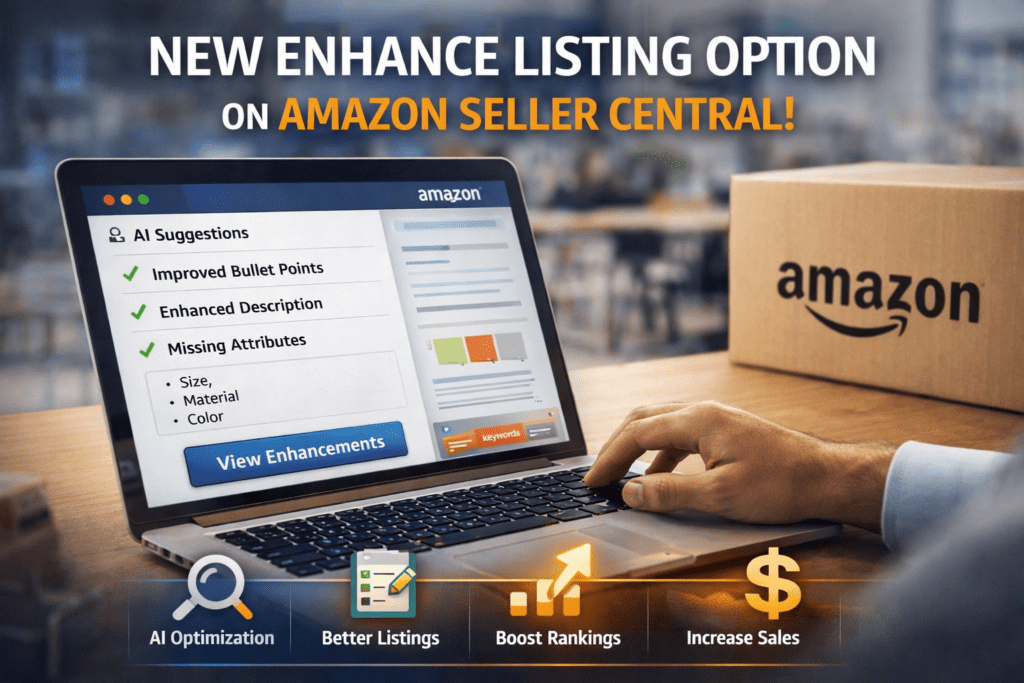
Amazon is Automating Listing Optimization
After working with Amazon sellers for more than 10 years—from new sellers to established brands—I can confidently say:
80% of listings on Amazon are still under-optimized.
And Amazon knows this.
That’s why they introduced:
“Enhance Listings Using AI-Generated Content”
inside Seller Central.
This feature is Amazon’s way of helping sellers:
- Improve listing quality
- Fix missing information
- Stay compliant
- Increase conversions
But here’s the truth:
If you use it blindly, it won’t help much.
If you use it strategically, it can transform your business.
What is the NEW Enhance Listing Option?
The Enhance Listing option is an AI-powered feature available in Seller Central that provides:
✔ AI-generated recommendations
✔ Content improvement suggestions
✔ Missing attribute alerts
✔ Compliance checks
You can access it through:
“View Enhancements” button
Where to Find Enhance Listing Option in Seller Central
Follow this path:
- Login to Seller Central
- Go to Catalog
- Click Manage All Inventory
- Select any product
- Click “View Enhancements”
Once inside, you will see:
- Suggested improvements
- AI-generated content
- Listing gaps
How Amazon AI Enhances Listings (Deep Explanation)
Amazon’s AI is not random.
It works based on:
1. Customer Search Data
Amazon analyzes what customers are searching for.
This helps in adding relevant keywords automatically.
2. Competitor Listings
It compares your listing with top-performing competitors.
If your listing is missing key elements, AI suggests them.
3. Conversion Data
Amazon knows what type of content converts.
It tries to improve your bullets and descriptions accordingly.
4. Category Requirements
Each category has specific rules.
AI ensures your listing meets those standards.
Why This Feature is Extremely Important
From real experience:
A complete listing can outperform a better product with a weak listing.
Amazon algorithm prefers:
- Complete listings
- Keyword-rich content
- High conversion pages
This is also explained in your internal guide:
https://ecomranker.com/amazon-listing-optimization-guide/
You should internally link this blog there.
How Enhance Listing Improves Rankings
Let’s break this down clearly:
Step 1: AI adds missing keywords
→ Improves indexing
Step 2: Better content
→ Improves CTR
Step 3: Better conversion
→ Improves ranking
This is the exact Amazon SEO cycle.
Also connect this section internally to:
AI vs Manual Optimization (Expert Insight)
After testing this feature across multiple accounts:
AI is good for:
✔ Speed
✔ Structure
✔ Filling gaps
But AI lacks:
❌ Emotional selling
❌ Brand positioning
❌ Unique differentiation
Best approach:
AI + Human Optimization = Maximum Results
Step-by-Step: How to Use Enhance Listing Option Properly
Step 1: Identify Listings That Need Improvement
Focus on:
- Low conversion products
- High ACoS listings
- Low visibility listings
Step 2: Click “View Enhancements”
Analyze:
- Missing attributes
- AI suggestions
- Content gaps
Step 3: Review AI Content Carefully
Do NOT blindly accept.
Check:
- Accuracy
- Relevance
- Brand tone
Step 4: Combine With Keyword Research
AI is not enough.
Use tools and strategies explained here:
https://ecomranker.com/how-to-optimize-amazon-listings/
Step 5: Optimize for Conversion
Add:
- Benefits
- Use cases
- Customer pain points
Step 6: Apply Changes Gradually
Do not update everything at once.
Step 7: Track Performance
Monitor:
- Sessions
- Conversion rate
- Sales
Common Mistakes to Avoid
1. Blindly Accepting AI Suggestions
This leads to generic listings.
2. Ignoring Keywords
Always verify keyword inclusion.
3. Overstuffing Keywords
Hurts readability and conversion.
4. Ignoring A+ Content
Internal link here:
https://ecomranker.com/amazon-a-plus-content-guide/
A+ content significantly improves conversion.
5. No A/B Testing
Internal link here:
https://ecomranker.com/amazon-ab-testing-listing-optimization/
Testing is essential for growth.
Types of Enhancements You Will See
1. Missing Attributes
Example:
- Size
- Material
- Color
- Use case
These improve indexing and filters.
2. Title Optimization
AI suggests:
- Better keyword placement
- Cleaner structure
3. Bullet Point Improvements
Focus on:
- Benefits
- Problem-solving
- Readability
4. Product Description Enhancement
More:
- Detailed
- Clear
- Engaging
How This Feature Helps Amazon SEO
Amazon SEO depends on:
- Keywords
- Relevance
- Conversion
Enhance Listing improves all three.
Internal link:
https://ecomranker.com/amazon-listing-optimization-guide/
Advanced Strategy
Here’s what actually works:
Framework:
- Use AI suggestions
- Do keyword research
- Analyze competitors
- Improve conversion
- Run A/B tests
This is how you build a winning listing.
AI + A/B Testing = Growth
Never trust AI blindly.
Test everything.
Internal link:
https://ecomranker.com/amazon-ab-testing-listing-optimization/
Impact on Amazon PPC
Better listings lead to:
✔ Higher conversion
✔ Lower ACoS
✔ Better ROI
Internal link:
Who Should Use This Feature?
✔ New sellers
✔ Private label brands
✔ Low-performing listings
✔ High ACoS campaigns
Future of Amazon Listings
Amazon is moving toward:
- AI automation
- Data-based optimization
- Smart recommendations
Early adopters will win.
Final Thoughts
From 10+ years experience:
This feature is powerful—but only if used correctly.
Don’t rely fully on AI.
Use it as a support tool, not a replacement.
FAQs
1. What is Enhance Listing option?
AI-based tool for improving listings.
2. Does it improve ranking?
Yes, indirectly.
3. Should I use all suggestions?
No, review first.
4. Is it free?
Yes.
5. Does it help PPC?
Yes.
6. Can beginners use it?
Yes.
7. Does it add keywords?
Yes.
8. Is it safe?
Yes.
9. How often to use?
Regularly.
10. Does it replace experts?
No.