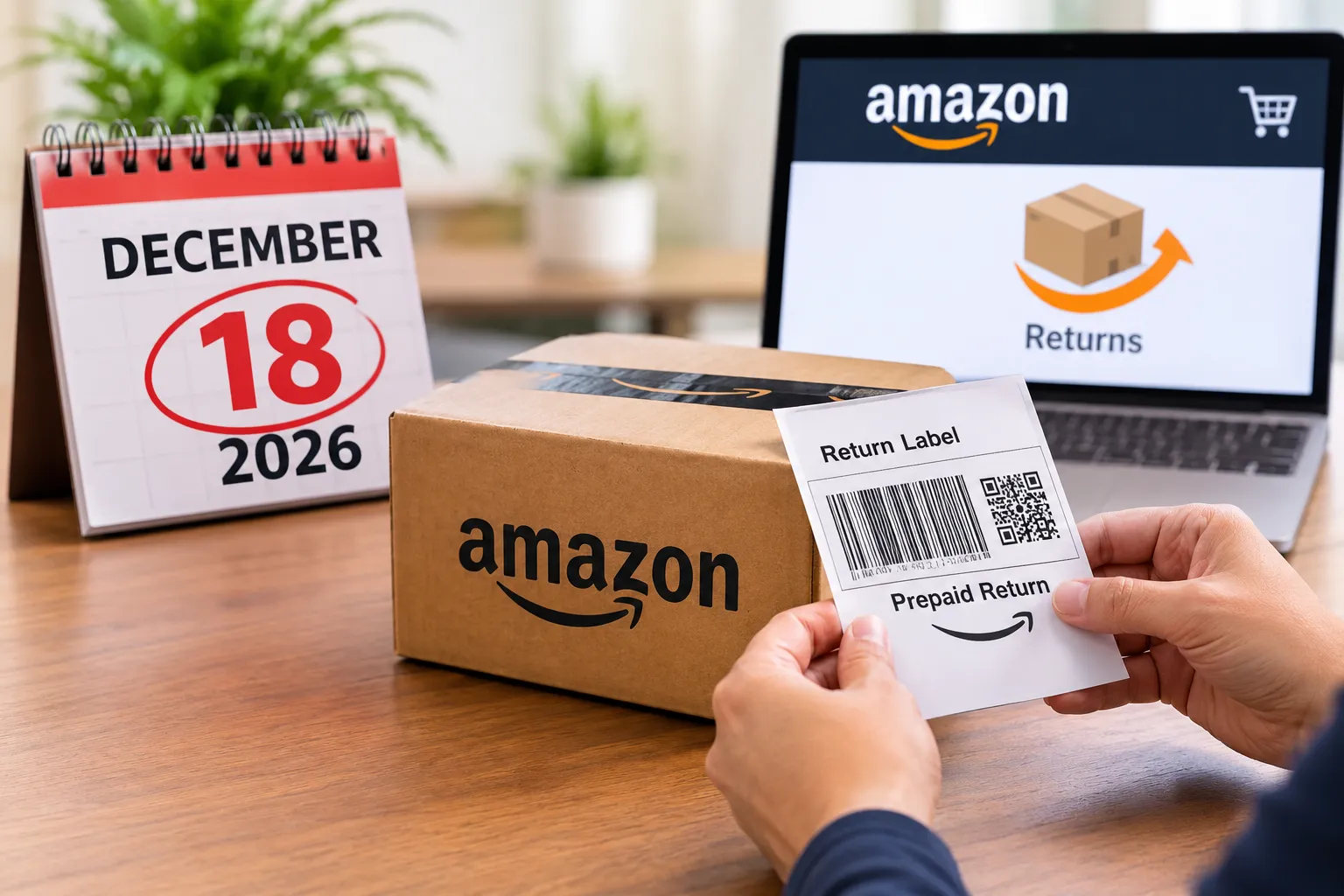

Amazon is generating multipack listings for selected FBA brands, and the clock is already running. Under its distribution center case pack pilot, Amazon creates every listing by October 28, 2026, using stock brands already hold in FBA. Brands can review, edit or delete them through November 10. Whatever is still active on November 11 goes on sale to shoppers exactly as Amazon built it.
What Are Amazon Multipack Listings?
Amazon is building multi-unit offers for brand-owned FBA products that already show strong demand for buying more than one unit. Each multipack groups several units of an existing product into a single offer, so nobody has to repackage anything. The listings sit beside the original single-unit ASIN, carry a VMP_DC SKU, and pull from current FBA inventory.
Amazon writes the title, image set and price itself. That convenience is also the risk: brands that do not check the output may find a listing live that does not match their pricing or brand standards.
Key Dates for the Multipack Pilot
- October 28, 2026 (Listings created): multipacks appear in Manage All Inventory.
- October 28 to November 10, 2026 (Review window): brands can edit or delete each listing.
- November 11, 2026 (Go-live): remaining multipacks go on sale to shoppers.
How to Review and Delete Your VMP_ Listings
- In Seller Central, open Inventory, then Manage All Inventory.
- Filter for VMP_ to see every new multipack.
- Check the title, images, price and description on each one.
- Edit what is wrong, or delete the listing from the menu on that row.
Amazon has described no opt-out setting for the pilot, so deletion is the only way to stop a multipack from launching. Deletion may be permanent: in the 2025 virtual multipack pilot, Amazon said deleted listings could not be reactivated.
Watch Your Pricing and MAP Policy
Amazon sets each multipack’s default price from the current per-unit list price. That default can clash with MAP policies or wholesale agreements. Brands can edit the price, title and description through November 10, and any listing still active on November 11 goes on sale as Amazon built it.
Case Pack vs. Multipack: Rules Sellers Should Know
Amazon separates how a product ships from how it sells. When you create an inbound shipment, you choose between individual products and case-packed products.
- Individual products: can mix SKUs or conditions in one box and can exceed 150 units.
- Case-packed products: must share one SKU and condition, hold the same unit count per box, and are capped at 150 units per case.
- Case pack: is split apart so each unit sells on its own.
- Multipack: sells as one set. A case pack can only sell as a multipack if it meets Amazon’s prep rules, whereas a virtual multipack skips that step because it ships from single units already in stock.
Amazon may split a shipment across fulfillment centers for faster delivery, prep needs, oversize items, dangerous goods or specialty items. It generally will not break up a single case-pack box, and the Inventory Placement Service can send eligible products to one fulfillment center.
Shipping More Than 150 Units per Box?
One seller wanted to ship 2,000 units of a 2-ounce product, packed in small bags, from a factory in China in boxes of 250. The case pack setup kept blocking the shipment, because the units sat loose in each box instead of in inner cases and 250 is over the 150-unit case limit.
The fix is to send the units as individual products: enter all 2,000 units, choose multiple boxes, and use the web form to list eight boxes of 250 units each, with each box’s weight and dimensions. Individual products have no 150-unit cap, so sellers can keep the factory’s original box counts.
How Amazon’s Virtual Multipacks Started
The current pilot builds on a program Amazon first tested in 2025. For years, Amazon policy left multipack creation largely to the manufacturer, which pushed sellers into costly kitting and prep work to meet shopper demand for bulk buys. This matters most in the U.S., where multi-unit purchases are a necessity for top-selling goods such as toilet paper and batteries.
Amazon’s answer was the virtual multipack: a listing that combines several units of an existing single-pack FBA product into one offer. It uses the seller’s current single-unit inventory to fulfill orders, so no physical bundling or kitting is needed.
A virtual multipack is not the same as a virtual bundle. Bundles combine different ASINs, while a multipack holds several units of the same ASIN. Each multipack gets its own ASIN and SKU and shows up as a variation on the original single-pack detail page.
The 2025 pilot ran through the end of that year and focused on FBA brand-owned ASINs with strong multi-unit demand. Participation was automatic: Amazon’s selection process picked eligible products and created the listings itself, and sellers could not opt in manually. The new distribution center case pack pilot follows the same approach, with Amazon selecting the brands and building the listings.
What Brands Can Edit, What It Costs and How Inventory Works
The details below come from Amazon’s 2025 virtual multipack pilot. Check them against Seller Central for the current case pack pilot, since terms can change between pilots.
- What you can edit: price, title, images and description.
- What you cannot change: pack size. A 2-pack cannot be turned into a 3-pack.
- Fulfillment: no changes to shipping or inventory processes. FBA picks the matching number of single units from existing stock, so no separate inventory is needed.
- Fees: no additional program fee. Standard fulfillment fees apply per unit, so a 2-pack carries two times the single-pack fulfillment fee.
- Default price: the single-unit price multiplied by the quantity. Later price changes to the single-unit ASIN do not update the multipack price automatically.
- Promotions: coupons and ads can run on the multipack ASIN itself.
- Images: Amazon generates them from the single-pack images, styled by pack size. They do not update when you change the original product’s images.
- Stock: if the single-pack ASIN runs out of stock, the multipack becomes unavailable until you replenish.
- Reporting: sales and traffic can be tracked with Amazon’s reports for virtual bundles and multipacks.
The per-unit fee rule is the one to model before launch. A multipack does not reduce fulfillment cost, so its margin depends entirely on the price you set.
Why Multipacks Matter: Shoppers Want Value
Multipack sales are rising across retail as shoppers put value for money first. A Better Retailing report on UK retail shows how fast habits are shifting, though the figures come from UK retail rather than Amazon.
- Multipacks of Stella Artois, Carling and Foster’s took the top three beer spots. The year before, only one multipack made the top three.
- Strongbow Dark Fruit cider climbed nine places to rank second among multipack formats.
- Walkers Classic Variety Crisps entered the top 25 snack list for the first time.
- Multipack formats also gained ground in mints, chocolate, soft drinks and pet food.
- Independent retailers report widening their multipack ranges by as much as 25%, even without promotions.
The pattern is clear: multipacks are no longer just a promotional tactic but a core expectation for value-conscious shoppers. As Amazon builds virtual versions, brands have to weigh how those digital offers fit alongside physical multipack formats they may already sell.
Pricing Strategy and Virtual Bundles
Because Amazon’s default price is just the unit price times the pack size, a multipack often gives buyers no reason to choose it over buying singles. Pricing is where brands can make the most of the format.
One principle worth testing is the price divisibility effect from NewNeuroMarketing. Shoppers are more likely to buy a multipack when its total divides evenly by the number of units. A four-pack at $16 (a clean $4.00 per unit) tends to look more attractive than the same pack at $15.30, even though the second price is lower. Easy mental math makes the purchase feel justified and suggests the items will be used up quickly.
Brands should also keep multipacks separate from virtual bundles when planning. Bundles combine two or more different products, and Amazon now displays them directly beneath the price instead of lower on the page, which raises their chances of clicks and conversions. Bundles can help grow average order value, improve rank performance and extend reach without launching new products.
Strategies that work for effective virtual bundles include:
- Select complementary products using Brand Analytics for insight.
- Create strong visuals that clearly show every bundled item.
- Use competitive bundle pricing to encourage larger orders.
- Test combinations to find the pairings that resonate with shoppers.
With multipacks entering Amazon’s pilots and bundles gaining prominence, brands now have two ways to raise order value. The advantage goes to those who execute both with data behind them.
Action Checklist for Brands Before November 10
The review window closes on November 10, so the order of work matters. Brands and the agency teams that manage their catalogs should cover these steps:
- Open Manage All Inventory and filter for VMP_ to list every multipack Amazon created.
- Compare each default price against MAP policy and wholesale agreements.
- Work out per-unit fulfillment fees and confirm each pack still earns a margin.
- Review the Amazon-generated title, images and description for accuracy and brand fit.
- Consider a divisible price point, such as $16.00 for a four-pack, where it fits your margin.
- Decide which listings to delete, remembering that deletion may be permanent.
- Confirm single-unit FBA stock is healthy, since multipacks draw from it.
- Note November 11, when every remaining listing goes on sale as built.