

| Quick answer Amazon product images should be at least 1,000 pixels on the longest side so zoom works (2,000 x 2,000 px is a safe standard), no larger than 10,000 px, in JPEG, PNG, TIFF or non-animated GIF, using sRGB or CMYK colour. The main image must show only the product on a pure white background (RGB 255, 255, 255), filling about 85% of the frame, with no text, logos, borders or watermarks. |
| Key takeaways Use 2,000 x 2,000 px square JPEGs as your default for every listing image. The main image has the strictest rules: pure white background, product only, about 85% fill, no added text or graphics. Secondary images can use lifestyle scenes, infographics and text, as long as they are accurate and not misleading. Some categories have extra rules, such as single left-facing shoes and no mannequins for most clothing. A+ Content, Brand Stores and Sponsored Brands each use different image sizes. Most rejections come from a non-white main image background, added text or badges, or low resolution. |
Images are the first thing shoppers judge and the most common reason listings are suppressed. Get the specs wrong and your main image can be rejected, zoom will not work, or your product looks blurry next to competitors. This guide is a practical reference for every image Amazon sellers need, from the main image to A+ Content, Brand Stores and ads.
If you want strategy rather than specs, such as which images convert best and in what order, read our companion guide on Amazon product image optimization. This page focuses on the technical requirements.
Amazon Product Image Requirements at a Glance

| Requirement | Amazon rule | Our recommendation |
| Minimum size | 500 px on the longest side | Never go below 1,000 px |
| Zoom | 1,000 px or more on the longest side | 2,000 x 2,000 px |
| Maximum size | 10,000 px on the longest side | 2,000 to 3,000 px is plenty |
| File formats | JPEG, PNG, TIFF, GIF (non-animated) | JPEG for photos, PNG for text-heavy graphics |
| Colour mode | sRGB or CMYK | sRGB for consistent screen colour |
| Aspect ratio | Not fixed | 1:1 square, so images display evenly |
| File size | No published limit for listing images; very large files may fail | Roughly 200 KB to 2 MB after light compression |
| Number of images | Main image plus several additional images (up to nine in total) | Use every slot, plus a video |
Main Image Requirements
The main image appears in search results and is the image Amazon checks most strictly. It must:
- Have a pure white background (RGB 255, 255, 255).
- Show only the product being sold, with nothing that is not included in the purchase.
- Fill about 85% or more of the image frame.
- Be a real photograph or a realistic render of the actual product, not a drawing or illustration.
- Show the entire product, not cropped off the edges of the frame.
- Contain no text, logos (other than those on the product itself), watermarks, borders, colour blocks or promotional badges.
- Not show the product inside its packaging unless the packaging is an important feature.
- Be in focus, well lit and with realistic colour.
The main image also drives click-through rate more than any other element. We cover how to make it stand out within the rules in our main image CTR service and our main image rebuild case study.

Secondary Image Requirements
Additional images have more freedom. They can show the product in use, close-ups, dimensions, comparison charts and infographics with text. They must still be accurate, relate directly to the product, and avoid misleading claims, offensive content or competitor references.
A Proven Image Stack
| Slot | Image | Why |
| 1 | Main image (white background) | Wins the click in search |
| 2 | Key benefits infographic | Explains why to buy in seconds |
| 3 | Lifestyle image in use | Helps shoppers picture owning it |
| 4 | Size and dimensions | Reduces returns and questions |
| 5 | Close-up of materials or features | Supports quality and price |
| 6 | Comparison or “what’s in the box” | Handles objections |
| 7 | Second lifestyle or how-to-use | Builds confidence |
| 8 | Trust image (guarantee, certifications) | Reassures before purchase |
| Video | 30 to 60 second product video | Raises engagement and conversion |
For how to design these, see our guides to Amazon product infographics and lifestyle images that boost sales.

Category-Specific Image Rules
| Category | Extra rules to know |
| Clothing (adult) | Main image may show the item on a human model, standing; no mannequins in most cases. Kids’ and baby clothing must be shown flat, without a model. |
| Shoes | Main image shows a single shoe, facing left at roughly a 45-degree angle. |
| Jewellery | No model or mannequin on the main image; show the piece itself on white. |
| Books, music, video | Main image is the front cover art, filling the frame. |
| Variations (sizes, colours) | Each child ASIN needs its own main image showing that exact variation. Swatch images can show colour. |
| Bundles and multipacks | Show exactly what is included and the correct quantity. |
Always check the style guide for your category in Seller Central, because some categories have additional rules.

File Naming for Bulk Uploads
When you upload images in bulk through Seller Central’s image manager, name files with the product identifier, a variant code and the file type, with no spaces:
| File name example | Meaning |
| B0XXXXXXXX.MAIN.jpg | Main image |
| B0XXXXXXXX.PT01.jpg to .PT08.jpg | Additional images in display order |
| B0XXXXXXXX.SWCH.jpg | Colour swatch image for variations |
You can also use an EAN, UPC, ISBN or JAN instead of the ASIN.
Amazon Product Video Requirements
- Upload through the Upload and manage videos tool (Brand Registry sellers) or as part of listing content.
- Use MP4 or MOV files; 1080p resolution and a 16:9 ratio are a safe standard.
- Keep product videos around 30 to 60 seconds for listings.
- Do not include external links, prices, time-sensitive offers, customer reviews or competitor references.
- Videos are reviewed before going live, so allow time before launches.
A+ Content Image Sizes
A+ Content images are set by module. These are the most commonly used sizes:
| Module | Image size (px) | Type |
| Standard image header with text | 970 x 600 | Basic A+ |
| Standard company logo | 600 x 180 | Basic A+ |
| Standard comparison chart (per product) | 150 x 300 | Basic A+ |
| Standard four image and text (per image) | 220 x 220 | Basic A+ |
| Premium full-width image modules | 1464 x 600 | Premium A+ |
| Brand Story background | 1464 x 625 | Brand Story |
The A+ builder always shows the exact size for each module when you edit it, so check there before exporting. For layout strategy, read our A+ Content guide. Our Premium A+ Content service designs these modules for brands.
Brand Store and Advertising Image Sizes
| Asset | Size (px) | Where it is used |
| Brand logo | At least 400 x 400 | Brand Store header and Sponsored Brands |
| Brand Store hero image | At least 3000 x 600 | Top of Store pages |
| Sponsored Brands custom image | At least 1200 x 628 | Sponsored Brands ads |
| Sponsored Brands video | 1920 x 1080 recommended (16:9) | Sponsored Brands video ads |
See our Amazon storefront guide for Store design and our Sponsored Brands video guide for video ad specs and ideas.
Why Amazon Rejects Images (and How to Fix It)
| Problem | Fix |
| Main image background not pure white | Set the background to RGB 255, 255, 255; check edges for grey shadows or off-white tones |
| Text, badges or logos added to the main image | Remove all added graphics; move them to secondary images |
| Product too small in the frame | Crop so the product fills about 85% of the image |
| Image too small or blurry | Re-export at 2,000 px with light compression |
| Wrong variation shown | Use the exact colour or size for each child ASIN |
| Props or accessories not included | Remove them from the main image |
| Unsupported format or animated GIF | Save as JPEG or PNG |
| Listing suppressed for missing main image | Upload a compliant main image, then check the listing status in Seller Central |
If a listing is suppressed and the image looks fine, check the listing quality dashboard for other issues. Our Amazon listing mistakes checklist covers the common causes.
Images, Zoom and AI Shopping Features
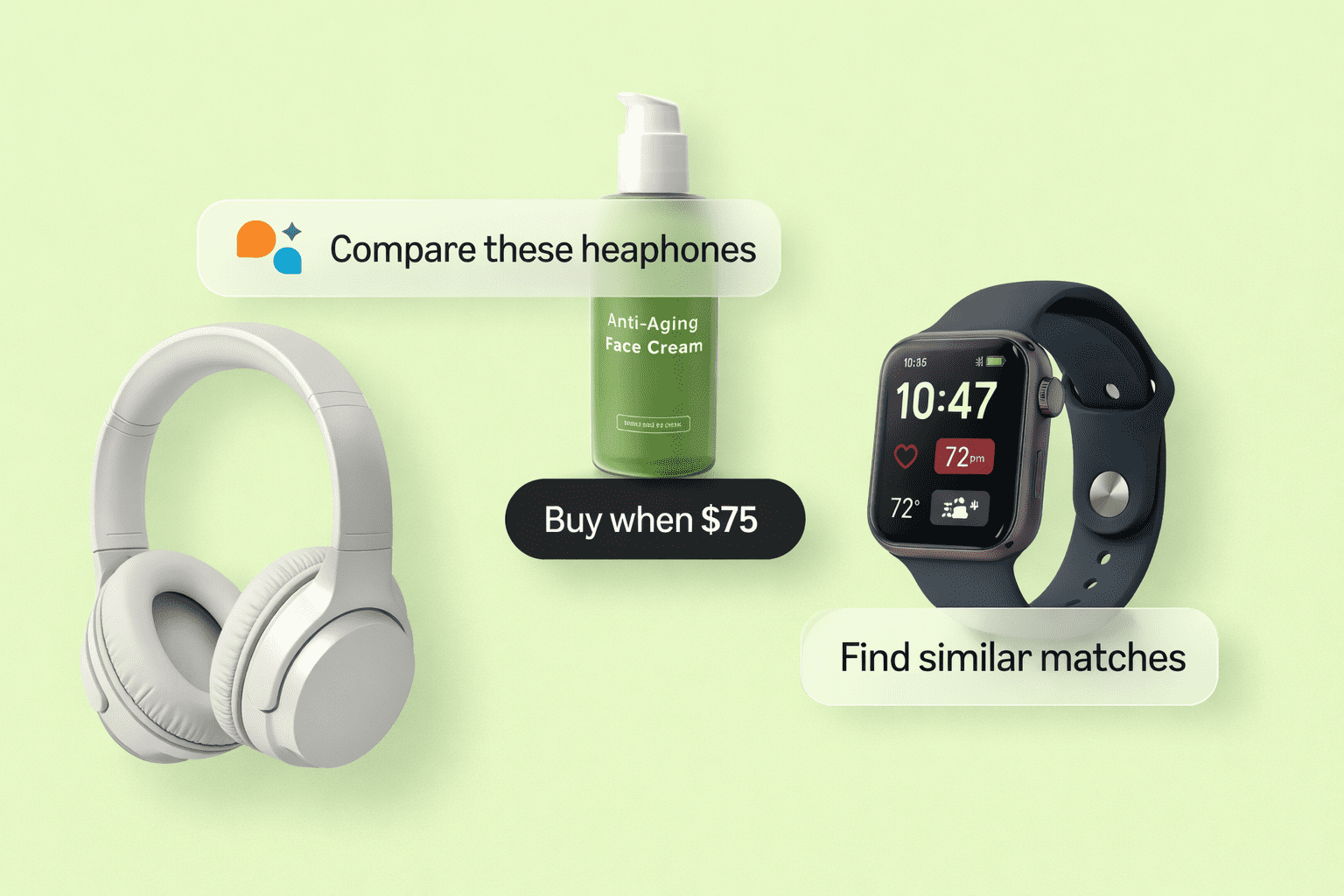
Amazon is using images in new ways. Visual search tools such as Amazon Lens Live match photos to products, and Amazon has started showing AI-generated images in search for some queries. Clear, accurate, high-resolution images help in both cases, because Amazon’s systems can read your product’s shape, colour and features more reliably. Images also feed click-through rate, which affects ad costs and organic ranking; our guide to improving Amazon click-through rate explains the link.
UK, US and India Notes
| United States | United Kingdom | India | |
| Image rules | Same core rules | Same core rules | Same core rules |
| Text on secondary images | US English, inches and pounds | UK English, cm and kg (add inches where shoppers expect them) | English, with cm and kg; consider Hindi for regional reach |
| Compliance marks | Show certifications relevant to the US where claimed | Show UKCA or CE marks if they are on the product | Show BIS marks where required |
| Mobile share | High | High | Very high, so test infographics on small screens |
Do It Yourself or Hire a Designer?
A good photographer and these specs are enough for simple products. For competitive categories, the difference between average and excellent images is often a measurable lift in click-through and conversion rate. Our Amazon listing images service and Amazon listing design team produce full image stacks, infographics, A+ Content and Store creative to Amazon’s specifications.
| Get expert help Not sure your images meet Amazon’s rules or are helping you sell? Book a free listing image audit and we will check compliance and suggest the changes most likely to lift click-through rate. |