

Amazon coupons for sellers are one of the easiest promotions to launch and one of the easiest to get wrong. The green badge looks free. It is not. You fund the discount, Amazon charges its own fees on top, and the extra orders you see may include customers who would have paid full price anyway. I have reviewed seller accounts across the US, UK, UAE and India for more than ten years, and the pattern is consistent: coupons that were judged on revenue looked like wins, and coupons that were judged on profit often were not.
This guide explains how coupons work, what they cost under the current US fee model, who is eligible, how to create one step by step, the break-even maths that tells you whether a coupon is worth running, and how coupons compare with promo codes, deals and price discounts.
| Key takeaways A coupon is a discount you pay for, with an Amazon fee on top. Judge it by profit, not by redemptions. The US fee is $5 per coupon plus 2.5% of coupon sales. On a low-volume product the $5 matters; on a high-volume, higher-priced product the 2.5% matters. Coupons do not fix a weak listing and they do not guarantee ranking improvements. Work out the lift you need before you launch. If you cannot plausibly reach it, do not run the coupon. Recheck fees and eligibility every time. Amazon has changed both, and peak periods can differ. |
What are Amazon coupons, and what are they not?
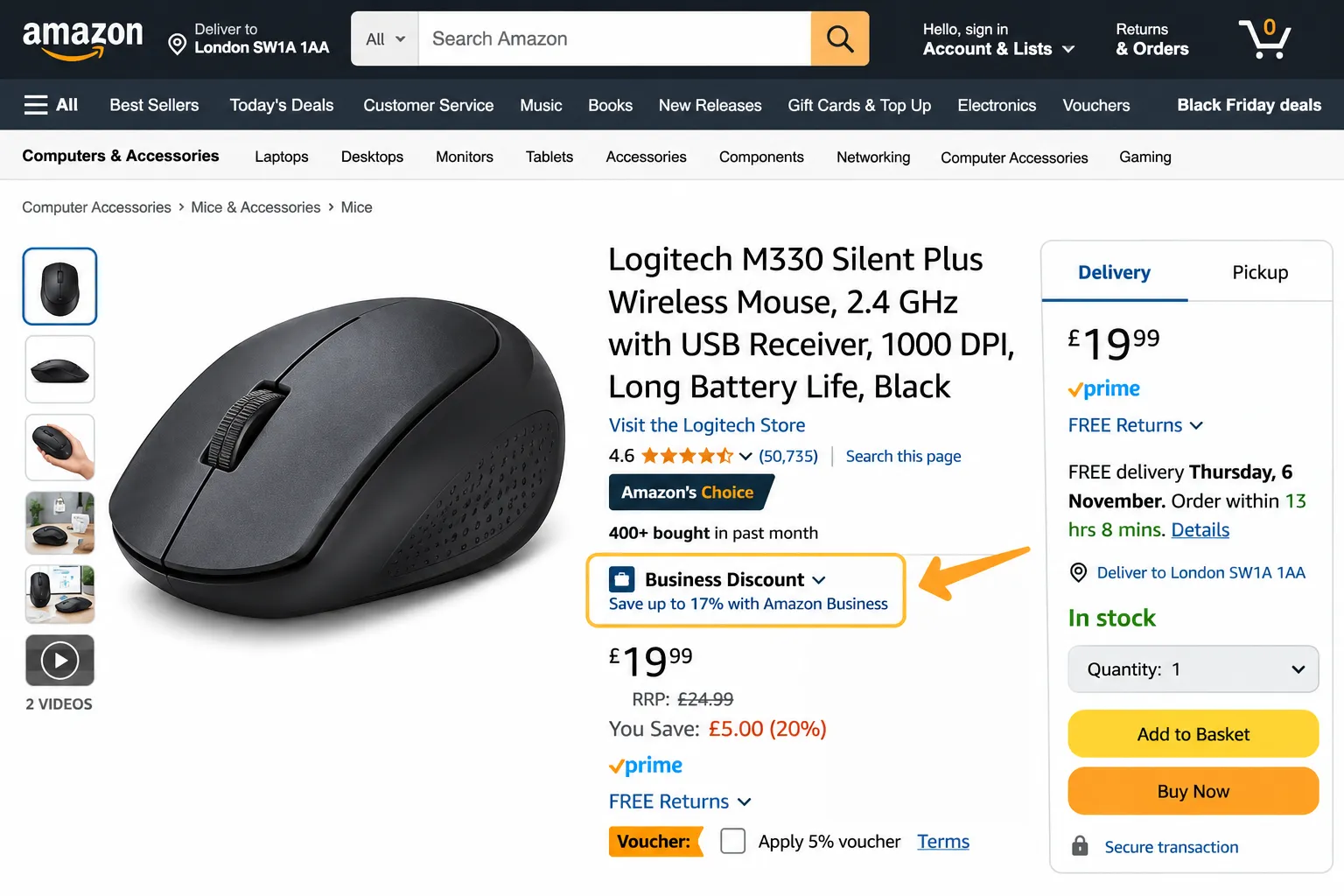
An Amazon coupon is a clippable discount shown on eligible products. The seller chooses the products, the discount, the budget and the dates. Shoppers clip the coupon, and the saving is applied to the order. You will often see a green badge in search results and on the product page, and coupons also appear on Amazon’s dedicated coupons page.
Coupons are easy to confuse with other promotion tools. The differences matter, because they use different workflows, fees and rules.
| Tool | How it works | Cost to the seller | Best for |
| Coupon | Clippable percentage-off or money-off offer with a visible badge | Discount + $5 per coupon + 2.5% of coupon sales (US) | Visible, flexible product-level discounting |
| Promotion or claim code | Created in the Promotions workflow; may use a code you share | The discount itself; check current fees for each promotion type | Targeted offers you share yourself, such as on social media or email |
| Lightning Deal / Best Deal | Time-limited deal with its own eligibility and fees | Separate deal fees; check Seller Central | Short bursts of deal-page visibility |
| Price discount | Temporary lower price shown to everyone | The lost margin | Simple sale pricing |
| Brand Tailored Promotion | Offers aimed at eligible brand audiences | The discount; check current terms | Audience-based offers for brand owners |
One practical point: if you are asked for a “coupon code”, the person usually means a promo or claim code. Standard Amazon coupons are clipped, not typed in.
How Amazon coupons work for shoppers
A shopper sees the badge on a search result, a product page, the coupons page or in related shopping areas. They click to clip the coupon, buy the eligible product, and receive the saving. You pay the coupon fees only when a coupon is actually redeemed, plus the upfront fee when you create it.
That is why the badge has two effects. It can lift click-through, because it makes your result stand out. It only costs you money when someone redeems it. But a badge on a weak listing simply gives more people a reason to look at a page that does not convert.
Who can run Amazon coupons? An eligibility checklist
Amazon changes these rules, and sources report slightly different numbers, so treat the table as a checklist of things to confirm in your own Seller Central account rather than a fixed rulebook.
| Requirement | What is commonly reported | Why it matters |
| Selling plan | Professional seller account | Individual accounts cannot create coupons |
| Seller rating | A minimum seller feedback rating (reported as 3.5 stars) | A weak seller rating can block coupon creation |
| Product rating | Minimum star ratings that vary with review count (reported as 2.5 for 1 to 4 reviews and 3.0 for 5 or more) | Poor ratings can make an ASIN ineligible |
| Discount size | A minimum and maximum discount (commonly reported as 5% to 50%; some guides report higher caps) | A discount outside the range is rejected |
| Pricing history | The coupon price must be sufficiently below the reference or “Was” price and the recent lowest price | Do not inflate a price to make a coupon look bigger; it can fail validation and breach policy |
| Fulfilment | Coupons can apply to FBA and seller-fulfilled offers | You can use them on either, but the economics differ |
| Duration and size | A maximum campaign length (reported as up to 90 days) and a cap on ASINs per coupon (reported as 200) | Plan campaigns inside the limits |
Amazon sets the final rules. Before launching, check the live requirements on the Amazon seller promotions page and in the Coupons workflow itself.
How to create an Amazon coupon in Seller Central (step by step)
Menu names change, so use this as a guide to the decisions rather than a click-by-click script.
- Check the economics first. Work out margin per unit after the discount and fees. If it does not work on paper, stop here.
- Open the Coupons tool. In US Seller Central it has sat under the Advertising menu. Choose to create a new coupon.
- Select your ASINs. You can search for products or upload a list. Start with a small group of SKUs you have already modelled.
- Choose the discount type and amount. Pick percentage off or money off, within the limits Amazon allows. A money-off coupon behaves differently on low-priced and high-priced products, so test both on paper.
- Set the budget. The budget mainly covers the customer savings, and the coupon turns off when it is used up. Do not mistake the budget for the whole cost of the campaign.
- Set the dates and redemption rules. Choose the start and end dates, and decide whether each customer can redeem once or more than once.
- Name and review. Give the coupon an internal name you will recognise in reports. Review the ASINs, price, discount, dates, active promotions and stock.
- Submit, then monitor. Amazon validates the coupon. After it goes live, watch redemptions, remaining budget and sales against your baseline, and be ready to switch it off if the numbers move against you.
Amazon coupon fees and the real cost in 2026
In the US, Amazon replaced the old fee of $0.60 per unit sold with an upfront fee of $5 per coupon plus 2.5% of coupon sales. Amazon announced the change to sellers in 2025, and it took effect on 2 June 2025. Amazon said the new model would lower the fee per unit for most products sold in its store, but that depends on price and volume.
Amazon’s own fee page and Seller Central show the current figures, so confirm them before every campaign. The coupon fee help page is the place to check.
| The full cost of a coupon campaign Seller-funded discount = redeemed units x discount per unit Amazon coupon fee = $5 per coupon + 2.5% of coupon sales (US; confirm the fee basis in Seller Central) Normal costs = COGS + referral fee + fulfilment fees Extra costs = additional ad spend to support the coupon, and any extra returns or refunds Real cost of the coupon = discount + coupon fee + extra ad spend + extra returns |
When the $5 and 2.5% matter most
- Low-volume products: the $5 fee is charged per coupon created, so a few redemptions can leave the fee large relative to the sales.
- Higher-priced products: 2.5% of sales grows with price, so check it against your margin.
- Low-price, high-volume products: the new model can work out cheaper than the old per-unit fee, but model it rather than assuming.
The profit maths: how much lift do you need to break even?
This is the part most guides skip. A coupon increases units, but your profit only rises if the extra units outweigh the lost margin and the fees. Here is a worked example with illustrative numbers. Replace them with your own.
| Input | Without coupon (baseline) | With a 15% coupon |
| Selling price | $30.00 | $25.50 after a $4.50 coupon |
| Units sold in the period | 180 | 300 |
| COGS per unit | $9.00 | $9.00 |
| Amazon selling and FBA fees per unit (simplified) | $8.50 | $8.50 |
| Advertising | $300 | $600 |
| Coupon fees | $0 | $5 + 2.5% of $7,650 = $196.25 |
| Revenue | $5,400 | $7,650 |
| Contribution after all of the above | $1,950 | $1,603.75 |
| Result | $346.25 worse, despite 67% more units |
The coupon produced 67% more units and still lost money. The reason is the lost margin on every unit (including the units that would have sold anyway), the higher ad spend and the fees.
The break-even lift formula
| Contribution per coupon unit = coupon price – COGS – Amazon fees – variable coupon fee Units needed to break even = (baseline contribution + extra ad spend + upfront coupon fee) / contribution per coupon unit In the example: contribution per unit = $25.50 – $9.00 – $8.50 – $0.64 = $7.36. Units needed = ($1,950 + $600 + $5) / $7.36, which is about 347 units. Against a baseline of 180 units, that is roughly a 93% lift. |
That number is far more useful than “will it increase sales?”. If you cannot realistically expect a lift of that size, this coupon should not run at this discount. You can either lower the discount, choose a product with more margin, or use a different tool.
Two cautions. First, the fee basis (whether the 2.5% applies to the discounted price) and Amazon’s exact definition of coupon sales should be checked in Seller Central. Second, baseline units are an estimate. Use a clean period of recent sales rather than your best week.
| From the field The most common coupon mistake I see is running one on a bestseller. The product was already converting at full price, so most of the coupon orders were customers who would have bought anyway. The discount went to people who did not need one. |
When Amazon coupons make sense: a goal-based playbook
| Goal | How a coupon can help | Guardrail |
| New product launch | Adds a visible reason to click and buy while you build reviews and sales history | Listing, images and stock must be ready; never connect the coupon to a review request |
| Clear aged or slow stock | Moves units where holding them costs more than the discount | Compare the discount with storage and removal costs, not with full-price margin |
| Peak events such as Prime Day | Helps you stand out when shoppers compare many offers | Recheck fees, eligibility and overlapping offers for the event |
| Defending against competitor discounting | Narrows the visible price gap without cutting the base price | Set a floor so you never sell below your target contribution |
| Bestsellers with strong full-price demand | Rarely needed | Test carefully, because you may discount orders that were already coming |
| Thin-margin products | Usually a poor fit | The discount and fees can remove the margin |
Do Amazon coupons help ranking?
Amazon does not say that using a coupon improves organic rank. A coupon can lift click-through and sales velocity, and those can support visibility, but that is an indirect effect and it is not guaranteed. Results depend on your price, listing quality, traffic, competition and category. Treat any claim that coupons “boost ranking” with caution.
Pairing coupons with Amazon advertising
A coupon makes the most sense when it supports traffic you are already buying or earning. Extra ad spend is part of the coupon’s cost, so track it. Watch your ACoS and TACoS before and after, and use our free Amazon ACoS calculator and TACoS calculator to see whether the combined cost still works. If you want hands-on help, our Amazon PPC management team plans advertising and promotions together.
How to measure whether a coupon worked
Save baseline data before launch, then compare during and after. Use only the metrics available in your reporting.
| Metric | Why it matters | Red flag |
| Sessions and conversion rate | Shows whether the badge brought more or better traffic | More sessions, no change in conversion |
| Units and coupon sales | Measures volume and coupon share | Most sales carry the coupon, with no total lift |
| Average selling price | Shows the discount effect | Price per unit falls more than volume rises |
| Contribution per unit and in total | The real profit test | Total contribution below baseline |
| Ad spend, ACoS and TACoS | Captures the cost of extra traffic | TACoS climbs while organic share does not |
| Returns and refunds | Discount buyers can return differently | Return rate rises after the campaign |
| Stock and sell-through | A coupon can create stockouts | Days of cover drop below your lead time |
Remember the difference between attribution and incrementality. Coupon-attributed sales are the orders that used the coupon. Incremental sales are the orders that would not have happened without it. Only the second kind justifies the discount. Before-and-after comparisons are useful, but do not call them an A/B test unless you actually ran a controlled experiment.
Ten Amazon coupon mistakes to avoid
- Using the old $0.60 per redemption fee in your calculations.
- Judging success by redemptions or revenue instead of contribution.
- Running a coupon on a thin-margin product.
- Discounting before fixing a weak listing, poor images or low ratings.
- Forgetting other active offers, such as promotions, deals and price discounts, on the same ASIN.
- Setting a budget so low that the coupon switches off during your best days, or so high that it overspends.
- Raising a price just before the coupon to make the saving look bigger.
- Ignoring stock levels and running out mid-campaign.
- Forgetting extra ad spend, returns and refunds in the calculation.
- Offering a coupon, refund or other reward in exchange for a review.
| A note on reviews Never connect a coupon to a review. Amazon’s customer review policy prohibits offering compensation or incentives for reviews, and the FTC’s rule on consumer reviews and testimonials covers deceptive review practices. The risk to your account is far larger than any benefit. |
Pre-launch go or no-go checklist
| Check | Go when | No-go when |
| Eligibility | Account and ASIN confirmed eligible in the live workflow | You are relying on last year’s rules |
| Margin | Contribution stays positive after discount and fees | The numbers only work if you assume a big lift |
| Break-even lift | You can credibly reach the lift you calculated | The required lift is far above anything you have seen |
| Listing | The page already converts well | Images, copy or ratings need work |
| Stock | Inventory covers the expected extra demand plus lead time | You could stock out mid-campaign |
| Overlap | Other offers on the ASIN reviewed and managed | Several discounts could interact |
| Baseline | Clean pre-campaign data saved | You have no way to compare |
| Compliance | No link between the coupon and reviews | Anyone is planning a review incentive |
Amazon coupons by marketplace: US, UK, UAE and India
Most coupon guides only describe the US. Because we run accounts in four marketplaces, here is how I approach each one. Fees, eligibility and menu names differ, so always confirm in the Seller Central account for that marketplace.
| Marketplace | What to know | Practical step |
| United States | The documented model is $5 per coupon plus 2.5% of coupon sales, replacing $0.60 per unit. | Use the live fee page and model every campaign |
| United Kingdom and EU | Coupons are available, but the fee model, currency and thresholds can differ from the US. Do not assume US figures apply. | Check the fee in GBP or EUR in your own account and rebuild the break-even maths |
| United Arab Emirates | Promotion tools and eligibility can differ from the US marketplace. | Confirm which promotion types, fees and limits appear in your account |
| India | Amazon.in has its own promotion tools and fee rules, and discounts can affect GST records. | Confirm the tools available, and agree the accounting treatment with your adviser |
This is operational guidance and not tax or legal advice. Discounts and fees can affect VAT or GST treatment, so confirm with a qualified accountant.
When to bring in expert help
Coupons are simple to launch and hard to evaluate at scale. Help becomes worthwhile when you manage many SKUs, several marketplaces, or a mix of FBA and FBM, and when promotions, advertising and inventory all affect each other.
EcomRanker has managed Amazon accounts since 2017 across the US, UK, UAE and India. We can review your promotions as part of a free Amazon account audit, plan coupons alongside Amazon PPC management, tighten the listing with Amazon listing optimisation and A+ Content, and manage it all through Amazon Seller Central management. No agency can promise that a coupon will raise your profit, so be wary of anyone who does. What we can do is measure it honestly.
Want a second opinion on your coupon plan? Request a free Amazon account audit or speak to our team.
Frequently asked questions
What are Amazon coupons?
How do Amazon coupons work for sellers?
How much do Amazon coupons cost sellers?
Is there still a $0.60 fee per coupon redemption?
Are Amazon coupons the same as promo codes?
How do I create an Amazon coupon?
What is the minimum discount for an Amazon coupon?
How long can an Amazon coupon run?
Do Amazon coupons improve rankings?
Can Amazon coupons stack with other discounts?
Can I stop a coupon early?
Are Amazon coupons worth it?
Amazon coupons can make an offer more visible, but a good coupon is not one with lots of redemptions. It is one that creates enough extra contribution to cover the discount, the $5 and 2.5% fees, and the advertising behind it. Check eligibility, model the break-even lift, pilot on a small set of SKUs, and measure against a clean baseline.
If you do one thing today, take your best candidate SKU and run the break-even formula above. The answer will tell you whether to launch, adjust the discount or choose a different tactic.