

| Quick answer Amazon Auto Buy is a Rufus feature that lets US Prime members set a target price or discount for a product. Rufus checks the price regularly (Amazon says every 30 minutes) and places the order automatically when the condition is met, with a short window to cancel before shipping. For sellers, it means price drops can trigger instant bursts of orders, so pricing rules, deal planning and stock levels matter more than before. |
| Key takeaways Auto Buy launched quietly in Rufus in November 2025, ahead of Black Friday, for US Prime members in the Amazon app. Shoppers set a target price or discount; Rufus completes the purchase without them returning to the page. Every price drop, deal or repricer mistake can now trigger automatic orders from waiting shoppers. Set firm minimum prices in repricers and check deal pricing carefully. Plan inventory for demand spikes when you run promotions. Listings written in clear, natural language help Rufus understand and recommend your products. |
Amazon is moving from search-and-click shopping towards AI agents that act for the shopper. Auto Buy is one of the clearest examples so far: the shopper tells Rufus what they want to pay, and Rufus buys when the price is right. It sounds like a small convenience feature. For sellers, it changes the consequences of every price change.
What Is Amazon Auto Buy?
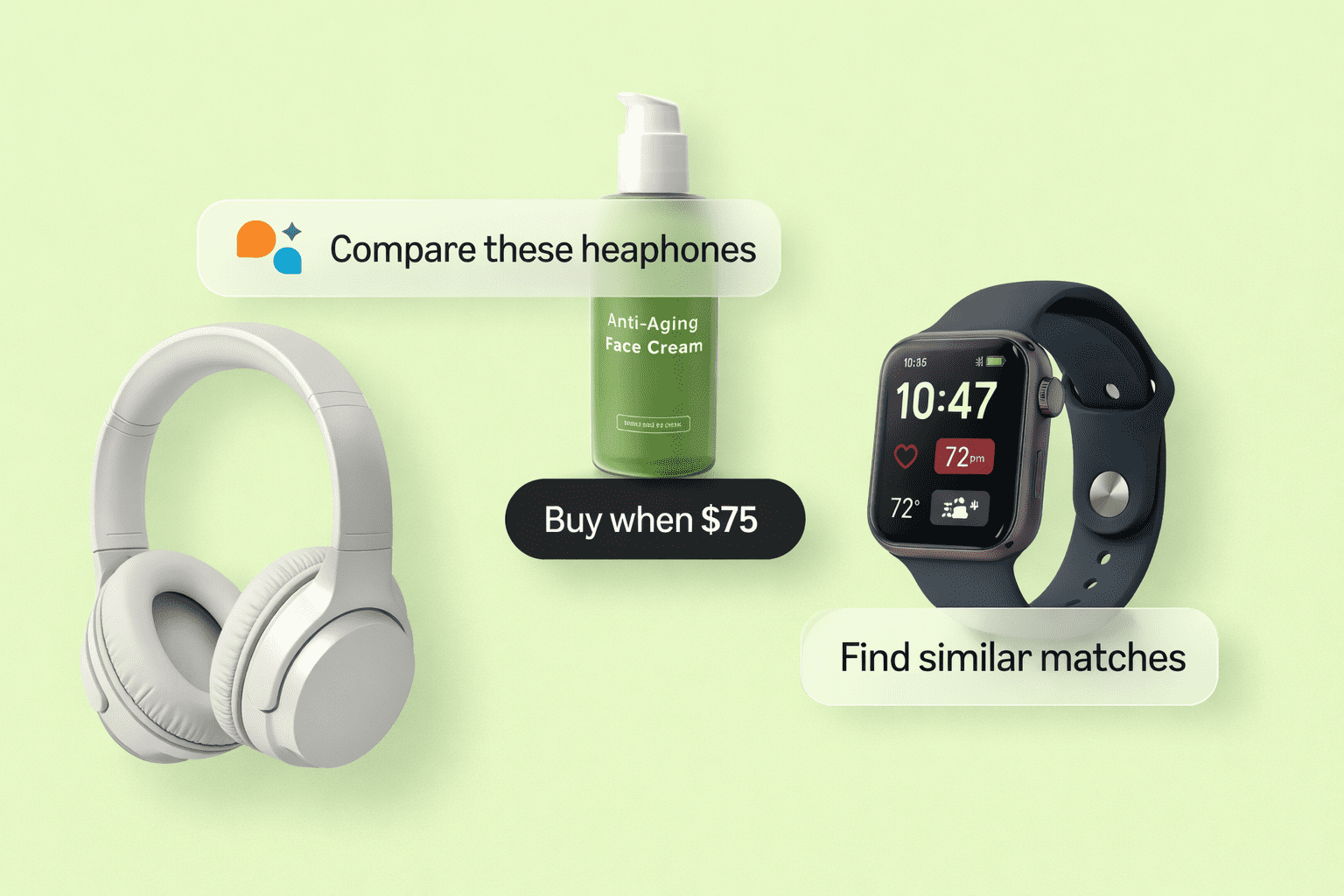
Auto Buy is a purchasing feature inside Rufus, Amazon’s AI shopping assistant. A shopper can open a product, ask Rufus to buy it when it drops to a certain price or discount, confirm the terms by ticking an Auto Buy box, and leave. Rufus monitors the price and completes the order with the shopper’s saved payment method and address when the condition is met.
It differs from Amazon’s earlier “Buy for Me” style features, which still ask the shopper to approve each purchase. With Auto Buy, approval is given in advance.
How Auto Buy Works for Shoppers
- Open a product page in the Amazon app and launch Rufus, or tap Price history and then Set price alert.
- Tell Rufus the target price or discount, for example “buy this if it drops to $49”.
- Confirm the terms by ticking the Auto Buy box.
- Rufus checks the price regularly; Amazon says every 30 minutes.
- When the target is met, Rufus places the order and sends a confirmation.
- The shopper can cancel within a short window before the order ships (reported as 24 hours).

Who Can Use Auto Buy?
| Question | Current position (as reported) |
| Which shoppers? | US Prime members using the Amazon app |
| Which marketplaces? | United States only at the time of writing |
| How is it accessed? | Through Rufus or the price history and price alert option |
| Quantity | Reported as one unit per request |
| Payment | Saved default payment method and address |
| Cancellation | Reported 24-hour window before shipping |
Amazon has not published full seller-facing documentation, and some details come from testing by trade press. Check Amazon’s announcements for updates, especially before Q4.
What Auto Buy Means for Sellers
1. Price Drops Now Convert Instantly
Previously, a shopper who wanted a lower price had to come back and check. Now, Rufus does it for them. If you drop your price, even briefly, waiting Auto Buy shoppers can purchase within minutes. That is great for planned promotions, and costly for mistakes.
2. Repricer Errors Are More Expensive
A repricer that briefly drops below cost, or a typo in a deal price, can trigger automatic orders before you notice. Set hard minimum prices on every SKU and review repricer rules. Our Amazon dynamic pricing strategy guide explains safe floors.
3. Deals and Events Can Create Demand Spikes
Prime Day, Prime Big Deal Days and Black Friday discounts can trigger many queued Auto Buy orders at the same moment. Make sure stock covers the spike, especially for FBA, where running out mid-event hurts ranking. See our guides to Lightning Deals and Prime Big Deal Days strategy.
4. Price History Becomes More Visible
Auto Buy sits alongside price history and price alerts. Shoppers can see how your price has moved. Constant up-and-down pricing teaches shoppers to wait, which can delay purchases until your next discount.
5. Brand Price Positioning Matters
Brands that care about price consistency across resellers now have another reason to manage it: a reseller’s temporary discount triggers automatic sales at that price. Our guide to the Amazon MAP policy explains what brands can and cannot do.
6. Listings Need to Work for AI, Not Just Humans
Auto Buy starts in a conversation with Rufus. Products that Rufus understands clearly, with accurate attributes, natural language benefits and answered questions, are more likely to be recommended and set as targets. See our guide to optimising for Rufus AI.
A Seller Checklist for Auto Buy
- Set minimum price floors in every repricer and automated pricing rule.
- Double-check coupon, deal and promotion prices before submitting.
- Plan deal inventory to cover a burst of automatic orders at the start of a promotion.
- Watch your price history: avoid frequent small swings that train shoppers to wait.
- Make sure every listing is clear on size, compatibility and use, to avoid returns from automatic purchases.
- Update titles, bullets and attributes in natural language for Rufus.
- Monitor sales by hour during events to spot unusual spikes early.
- Model the margin impact of each planned discount; our profit analytics guide shows how.

Does Auto Buy Affect the Buy Box?
Amazon has not said that Auto Buy changes how the featured offer is chosen. In practice, Auto Buy purchases the offer the shopper would get at that moment, which is usually the Buy Box offer. So the normal Buy Box factors (price, delivery speed, seller performance and stock) still decide which seller gets the automatic order. See our Buy Box eligibility guide.
Auto Buy and the Shift to Agentic Shopping
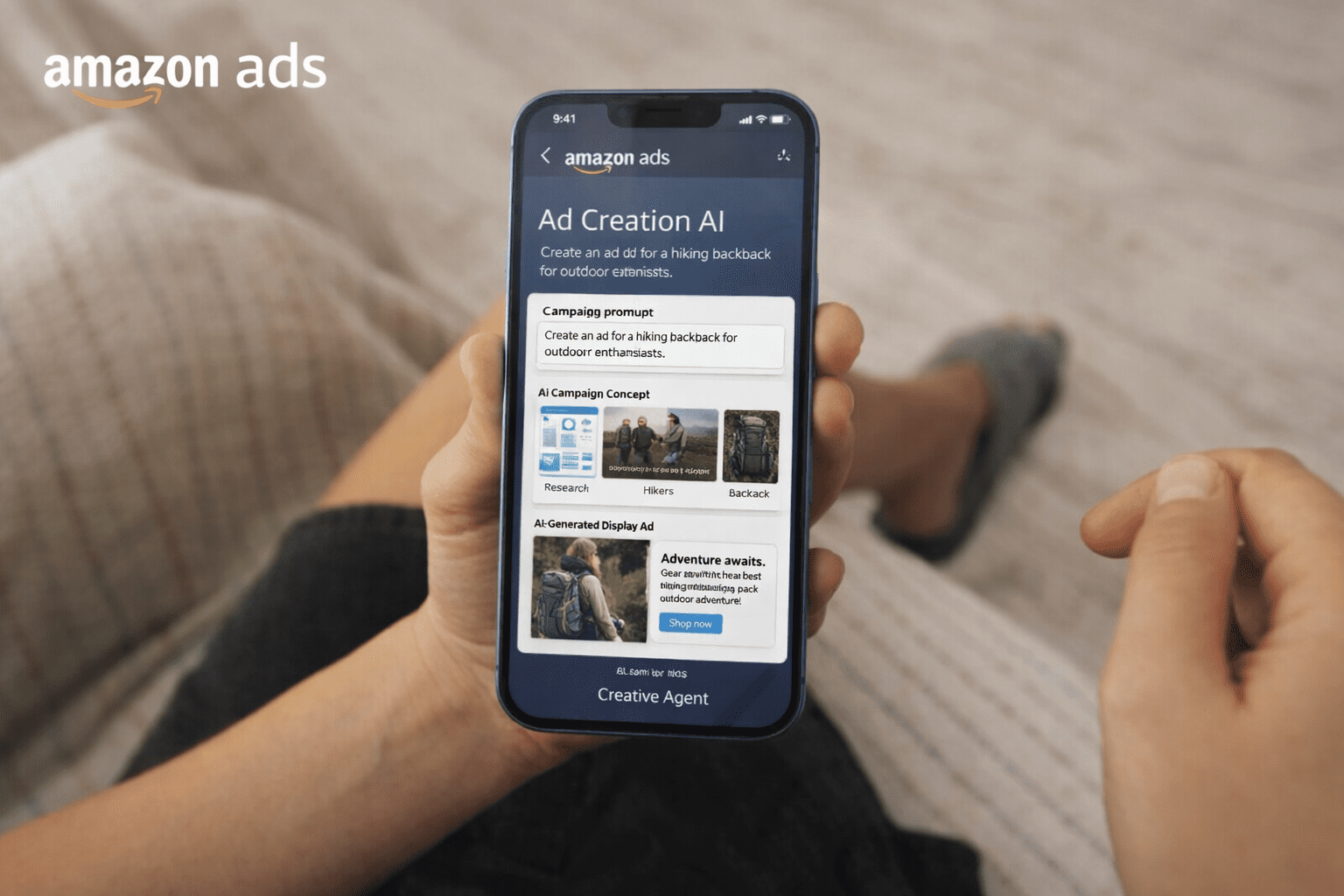
Auto Buy is part of a wider change: AI assistants that answer questions, compare products and now complete purchases. Amazon has expanded Rufus and Alexa for Shopping, introduced conversational ad formats, and reported fast growth in AI-assisted shopping. Our coverage of Amazon’s AI shopping tools, Branded Conversations and Review Requests and the Alexa for Shopping search rank study explains what this means for visibility.
| Feature | What the AI does | Seller impact |
| Rufus answers | Answers product questions from listing and review data | Clear, accurate content matters |
| Price alerts | Notifies shoppers when prices fall | Discounts get noticed faster |
| Auto Buy | Buys automatically at a target price | Price drops convert instantly |
| Sponsored prompts and Branded Conversations | Shows ad-driven questions and answers | New ad formats to plan for |
What About the UK and India?
At the time of writing, Auto Buy is reported for US Prime members only. Amazon usually tests AI shopping features in the US first. UK and Indian sellers should still prepare: set price floors, review deal pricing and make listings clear for Rufus, which is already available in several marketplaces. US sellers based in the UK or India should apply the checklist now.
How EcomRanker Helps Sellers Adapt
We manage pricing rules, deals, inventory planning and AI-ready listings for brands in the US, UK, UAE and India. If you want a team to keep your pricing safe and your listings ready for Rufus, our full-service Amazon account management covers it.
| Get expert help Worried a pricing mistake could trigger a flood of automatic orders? Book a free Amazon account audit and we will check your repricer rules, deal plans and listing readiness for Rufus. |